

Forgot or change your password
Reset a forgotten Fit+ password with an email link, or change your password while you're signed in.
Forgot your password? Ask for a reset link, then choose a new one. If you're already signed in and just want a new password, you can change it from your profile.
Reset a forgotten password
Select Forgot password?
You'll find it under the sign-in form.
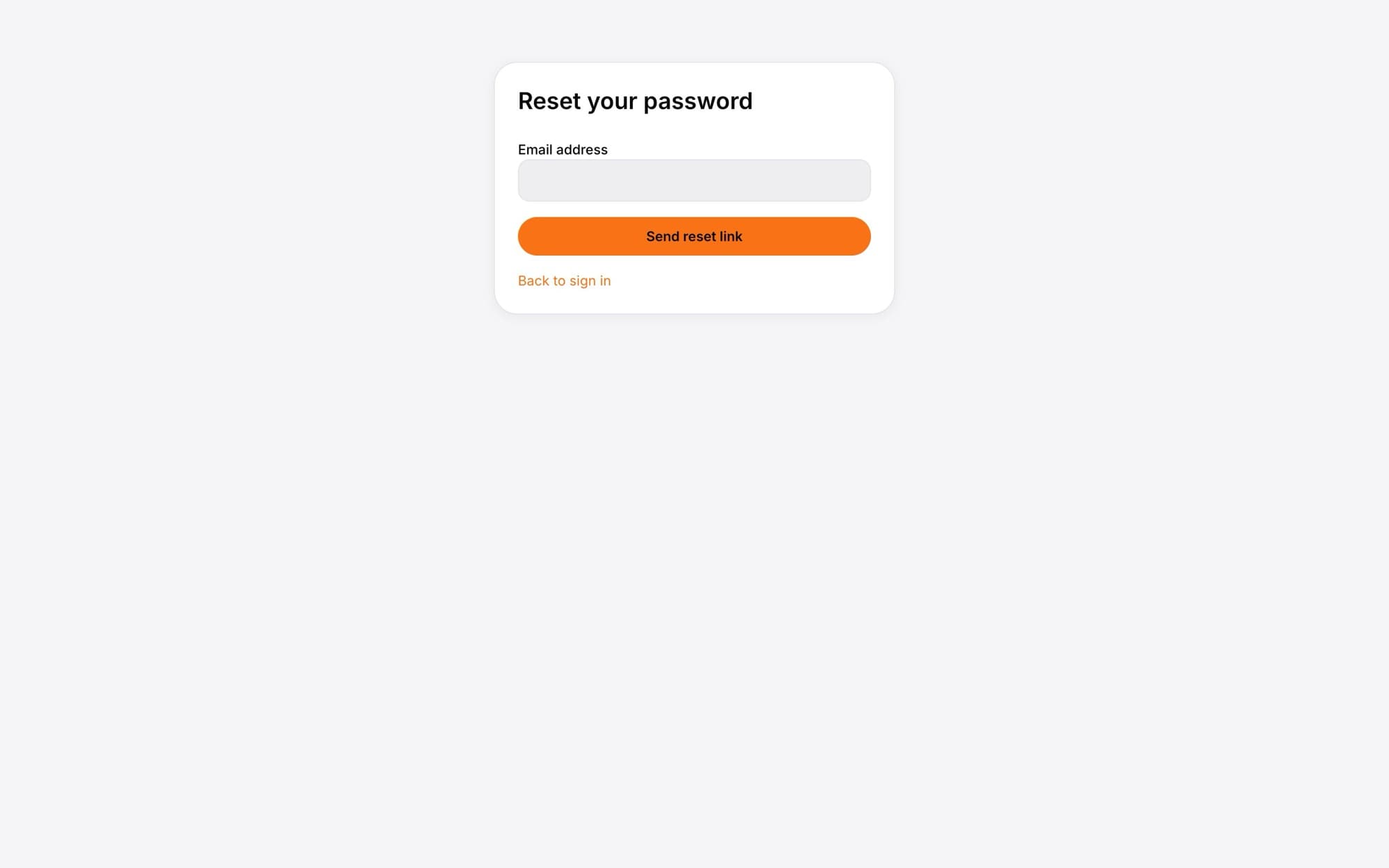
Select Send reset link
You'll see a message saying a link will arrive shortly if the email belongs to an account. For your privacy, Fit+ doesn't say whether an account exists.
Open the email and select the link
A page opens where you can choose a new password. You're already signed in at this point.
Enter your new password twice
Type it in New password and again in Confirm password. Use at least 8 characters.
Select Update password
You'll see "Your password has been updated." Use the new password from now on, on the web and in the app.
Reset links work once and only for a short time. If you see "That sign-in link has expired", go back to Forgot password? and ask for a new one.
Change your password while signed in
Open Profile
Select Profile in the sidebar.
Select Change password
It's at the bottom of the page.
Enter and confirm your new password
At least 8 characters, typed the same way twice.
Select Update password
Select Back to your profile when you're done.
Common questions
Check your spam or junk folder, and make sure you typed the same address you signed up with. If you signed up with Google or Apple in the app, use that account's email address.
Yes. Follow the reset steps above with your Google or Apple email address. After that you can sign in either way.
Retype the password in both boxes. They have to be exactly the same.