

Chat with the AI coach
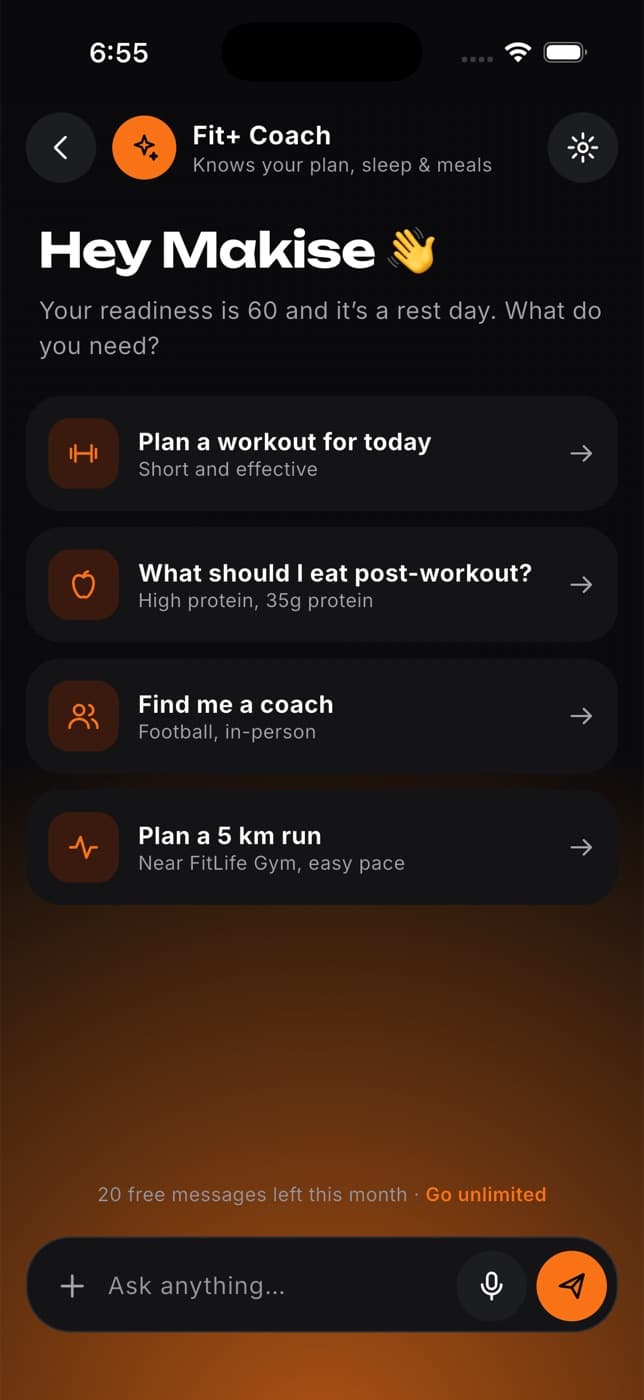
Ask the Fit+ AI coach about training, food and recovery, after you choose to turn AI features on.
The AI coach answers questions about your training, meals and recovery, using what's in your Fit+ account. It's optional and off until you turn it on.
Select AI coach in the sidebar to open it.
Turn on AI features
Read what's shared
The page explains what the AI coach uses: your question, plus the parts of your Fit+ records that help answer it, such as recent workouts, your plans and food diary, and health readings when your question is about recovery or sleep.
Tick the box to allow optional AI processing
This one setting covers the AI coach, AI meal swaps on the website and the AI features in the app. You can turn it off here at any time.
Ask a question
Pick a starter or write your own
Select one of the suggestions, such as planning a balanced training week, or type your question in Ask Fit+ AI.
Select Send
You'll see "Fit+ AI is thinking" while it works on an answer.
Keep the conversation going
Ask follow-up questions. The AI coach remembers what you said earlier in this chat.
Select New chat to start fresh.
AI can make mistakes. Check suggestions with your coach or nutritionist before changing a plan they gave you. The AI coach never changes your plan by itself.
Common questions
No. A chat on the website stays until you leave the page or select New chat.
AI features are turned off. Tick the box at the top of the page to turn them on.
You'll see an error and your question goes back in the box, ready to send again.
The AI coach and meal swaps stop working straight away, and nothing more is sent. Turn it back on whenever you like.