

Post in the community
Share a win or a question with the Fit+ community, and read posts from everyone and from your gym.
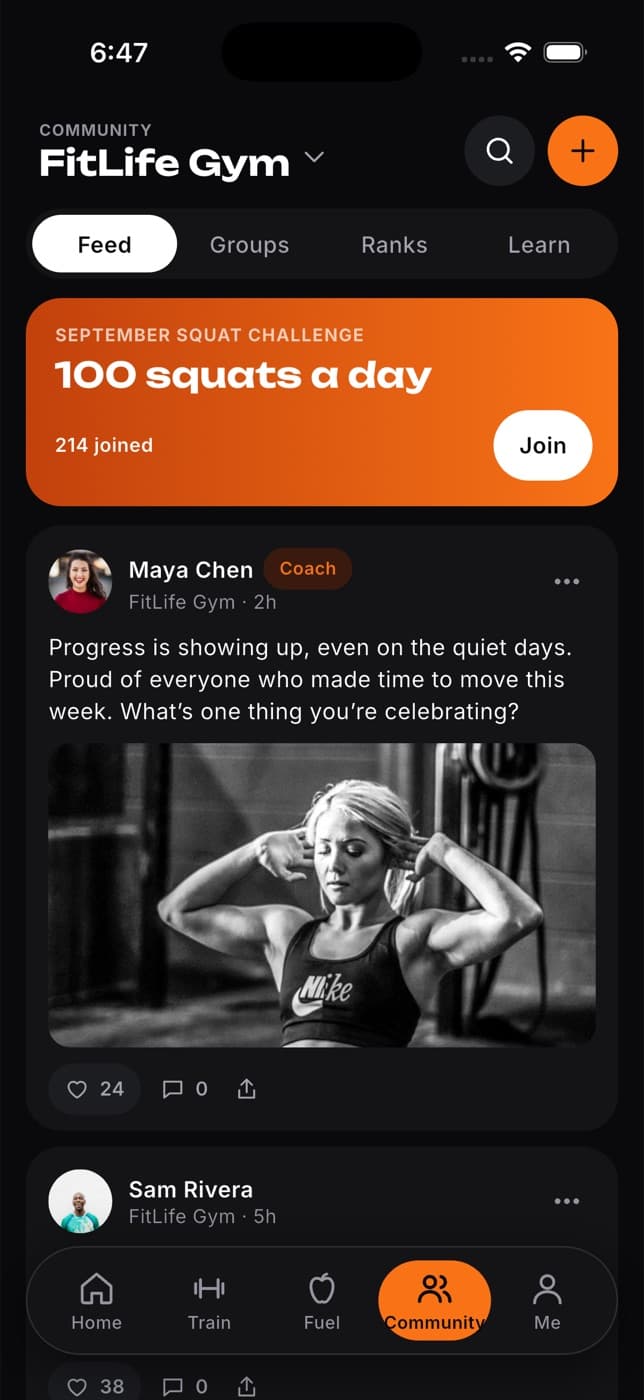
The Community page is where Fit+ members share wins, ask questions and cheer each other on. You can read posts from the whole Fit+ community and from your gym, and post your own updates.
Select Community in the sidebar to open it.
Read the feed
Posts are newest first. Use the buttons at the top to choose what you see:
- All: everything you can see.
- Your gym: posts from your gym, visible only to its members.
- Global: posts from everyone on Fit+.
Under each post you'll see how many cheers and replies it has, and the latest few replies.
Post an update
Write your post
Type in the box at the top: a win, a question or some encouragement.
Select Post update
You'll see "Posted" and your post appears in All and Global.
Posts you write on the website are visible to the whole Fit+ community. Only share what you're happy for everyone to see.
Common questions
Use the Fit+ app. On the website you can read posts and write new ones.
Not on the website yet. You can do these in the Fit+ app.
Not from the website. Posts in Your gym come from your gym.
Your gym hasn't posted yet, or you don't have an active gym membership on Fit+.