

Look up an exercise
Search the Fit+ exercise library for technique videos, step-by-step instructions, tips and safety notes, and complete an exercise review you were asked to do.
Not sure how to do an exercise in your program? The Exercise library has clear instructions for every exercise on Fit+, written and checked by the Fit+ team, in English and Arabic.
Find an exercise
Open Exercise library
Select Exercise library in the sidebar.
Search
Type a name in Search published exercises, for example "squat" or "plank". Choose your Language, then select Search library.
Choose a result
Select Choose next to the exercise you want. If there are lots of results, use Previous and Next to see more.
Watch the technique video
If the exercise has a technique video, it plays at the top. See Watch a technique video below.
Read how to do it
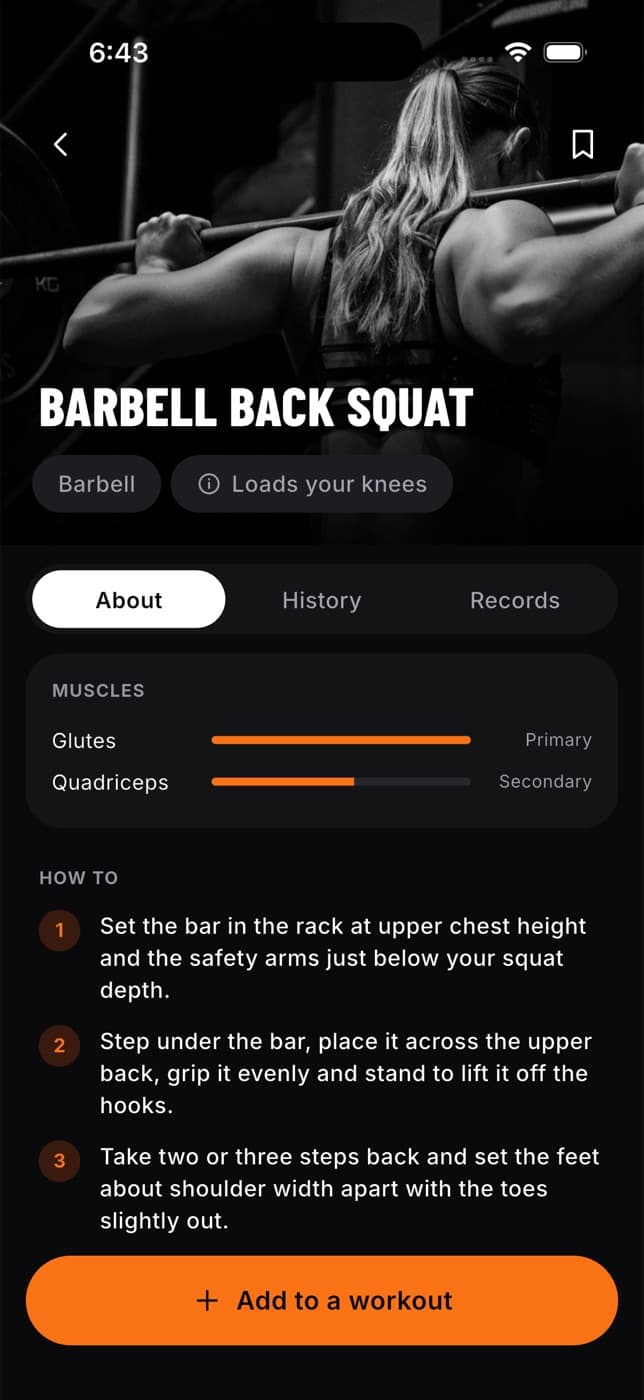
You'll see a description and numbered steps, plus:
- Cues: short reminders to keep your form right.
- Common mistakes: what to avoid.
- Safety: when to take extra care.
- Programming: how it's usually used in a workout.
- Other variations: select one to read about a similar exercise.
Watch a technique video
When an exercise has a video, it appears above the description. It plays on a loop, with no sound, and guide lines drawn over the movement show the joints and angles to watch.
- Select the play or pause button in the corner of the video to stop or start it.
- The bar under the video is split into the phases of the movement. Select a phase to jump straight to it.
- Below the bar you'll see the current step, for example "Step 2 of 4", with a short cue for that moment.
If your device is set to reduce motion, the video doesn't start or loop by itself. Select play when you're ready.
You can switch the language of an exercise at any time with the Language switch above it. Arabic reads right to left.
Review an exercise you were asked to check
Some people with specialist knowledge, for example in rehabilitation or pregnancy, help Fit+ check new exercises before they're published. If the Fit+ team asked you to review one, it appears here.
Find your review
Open Exercise library. Under the search, Your assigned reviews lists each exercise waiting for you. You only see this if you have a review to do.
Open it
Select the review. Assigned exercise review opens with the full exercise: content, steps, safety notes, evidence and media. You can read everything, but you can't edit it.
Go to Review & history
Choose your specialty and add your notes.
Record your decision
Select Approve saved version if it's ready, or Request changes if something needs fixing. The Fit+ team sees your decision and notes.
Your approval covers the exact version you read. If the exercise is edited afterwards, it needs a new review.
Common questions
Try a shorter or different name, or the other language. Only exercises the Fit+ team has checked and published appear in the library.
Not to the library: library exercises are added and checked by the Fit+ team. You can add exercises just for yourself in My exercises and use them in your routines. See Your own exercises.
Videos are being added over time. Exercises without one still have full written steps, cues and safety notes.
See your progress
Follow your weekly volume, workouts per week and estimated maxes, check which muscles you train enough, and share your weekly report with your coach.
Your food diary
Log meals and water, edit or copy what you logged, see your targets and nutrients, and get AI ideas for swapping a meal.