

Send a message
Chat privately with your coach, nutritionist, gym or friends, with photos, voice notes and replies.
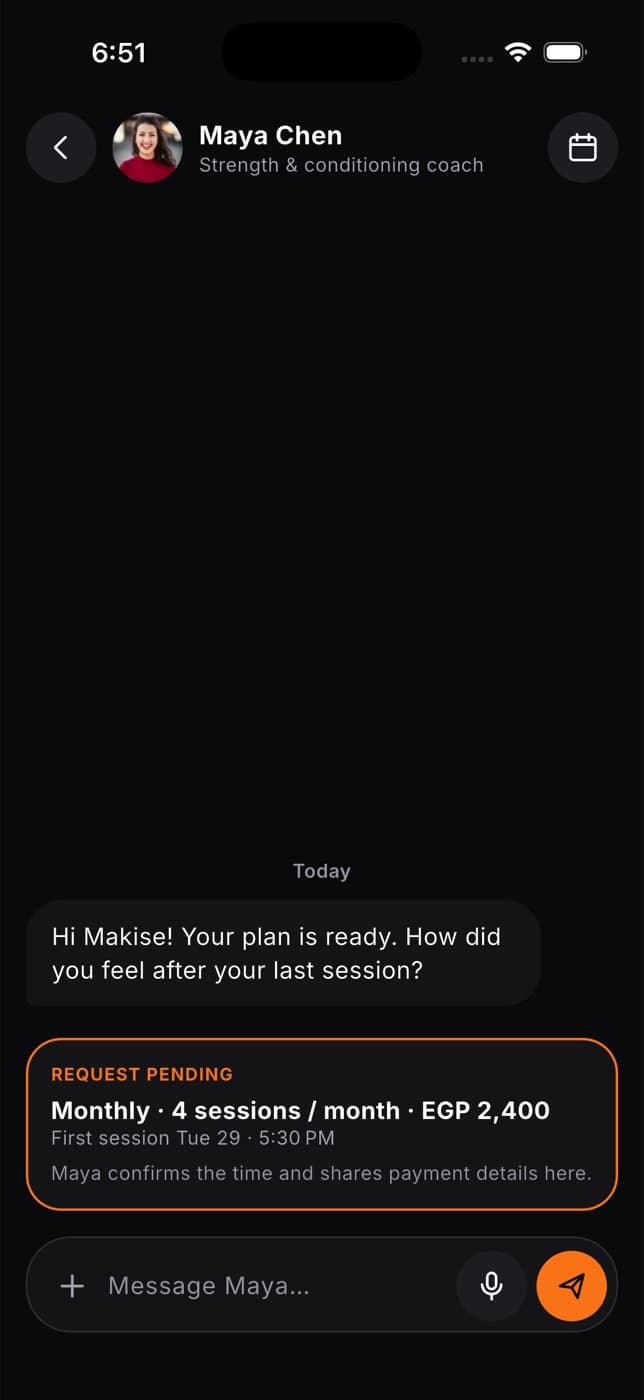
Messages is where you talk one to one with your coach, nutritionist, gym or other members. It's the same inbox as in the Fit+ app, so you can start a conversation on your laptop and carry on from your phone.
Select Messages in the sidebar to open it.
Send a message
Choose who to message
Select a conversation on the left. To start a new one, search for the person in Search conversations or pick them from the list below your conversations.
Write your message
Type in the box at the bottom.
Add a photo or voice note if you like
- Select Attach photo to add one picture (JPEG, PNG or WebP).
- Select Record voice message to record up to five minutes. Your browser may ask to use your microphone first.
Send it
Your message appears in the conversation and the other person is notified.
Reply to a specific message
Select the reply button on a message. It's quoted above the box so the other person knows what you're answering. Select Cancel reply to remove the quote.
Know when it's been read
Under your own messages you'll see Sent, or Read with a double tick once the other person has opened it. New messages appear on their own, without refreshing the page.
Messages are private. Only you and the person you're talking to can read them. Photos and voice notes are private too.
Common questions
Your browser needs permission to use your microphone. Allow it in your browser's settings for the Fit+ website, then try again. If your browser doesn't support recording, try a different one.
You'll see an error and your message stays in the box. Check your connection and send it again. It won't be sent twice.
Scroll to the top of the conversation and select Load earlier messages.
See Getting help.