

Getting help
Find answers on the Fit+ Support page, contact the Fit+ team, and read the Privacy Policy and Terms of Use.
Stuck on something? The Fit+ Support page has answers to common questions and a way to reach a real person. You don't need to be signed in to open it.
Open the Support page
Select Support at the bottom of the sign-in page, or at the bottom of any public Fit+ page.
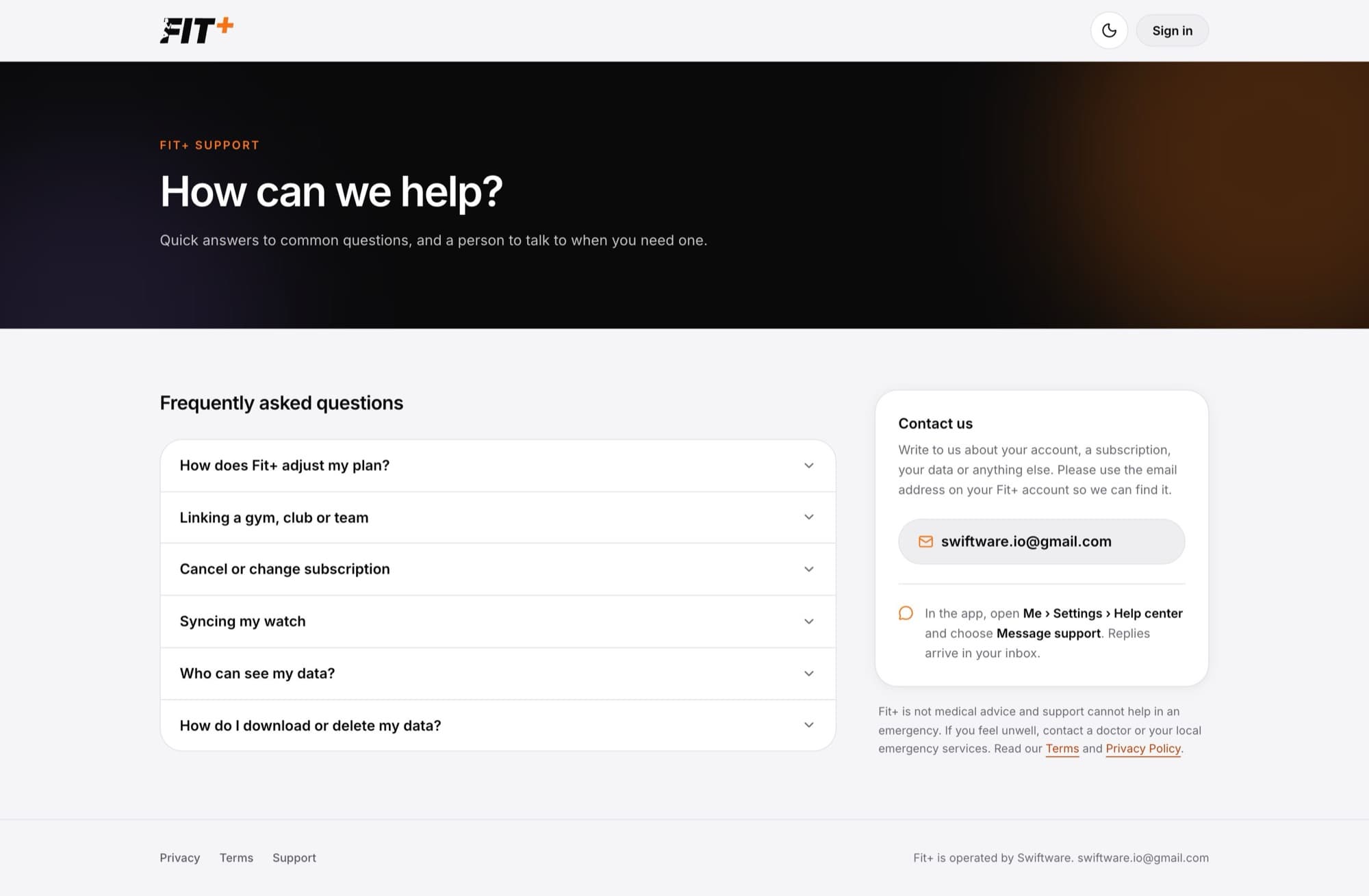
You'll find:
- Frequently asked questions, such as how Fit+ adjusts your plan, linking a gym, syncing your watch, who can see your data, and downloading or deleting your data. Select a question to see the answer.
- Contact us, with the Fit+ support email address (support@usefitplus.com). Write from the email address on your Fit+ account so the team can find you.
Message support from the app
In the Fit+ app, tap Me, then Settings, then Help center, and choose Message support. Replies arrive in your inbox in the app.
Fit+ is not medical advice, and the support team can't help in an emergency. If you feel unwell, contact a doctor or your local emergency services.
Privacy Policy and Terms of Use
Select Privacy or Terms at the bottom of any public Fit+ page.
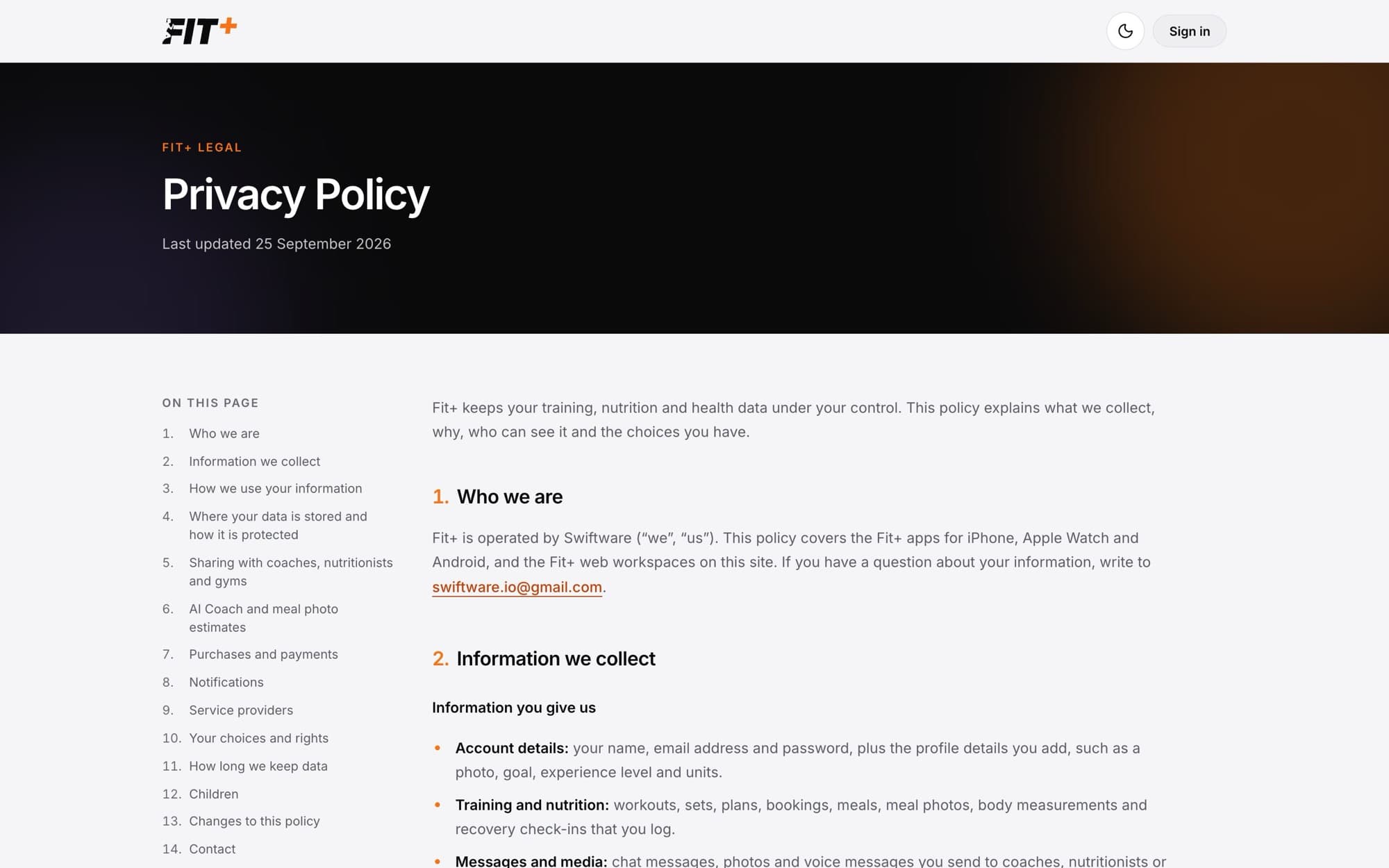
- The Privacy Policy explains what Fit+ collects, who can see it (a coach or nutritionist only sees what you choose to share, for as long as you choose), how the optional AI features work, and your choices, including downloading or deleting your data.
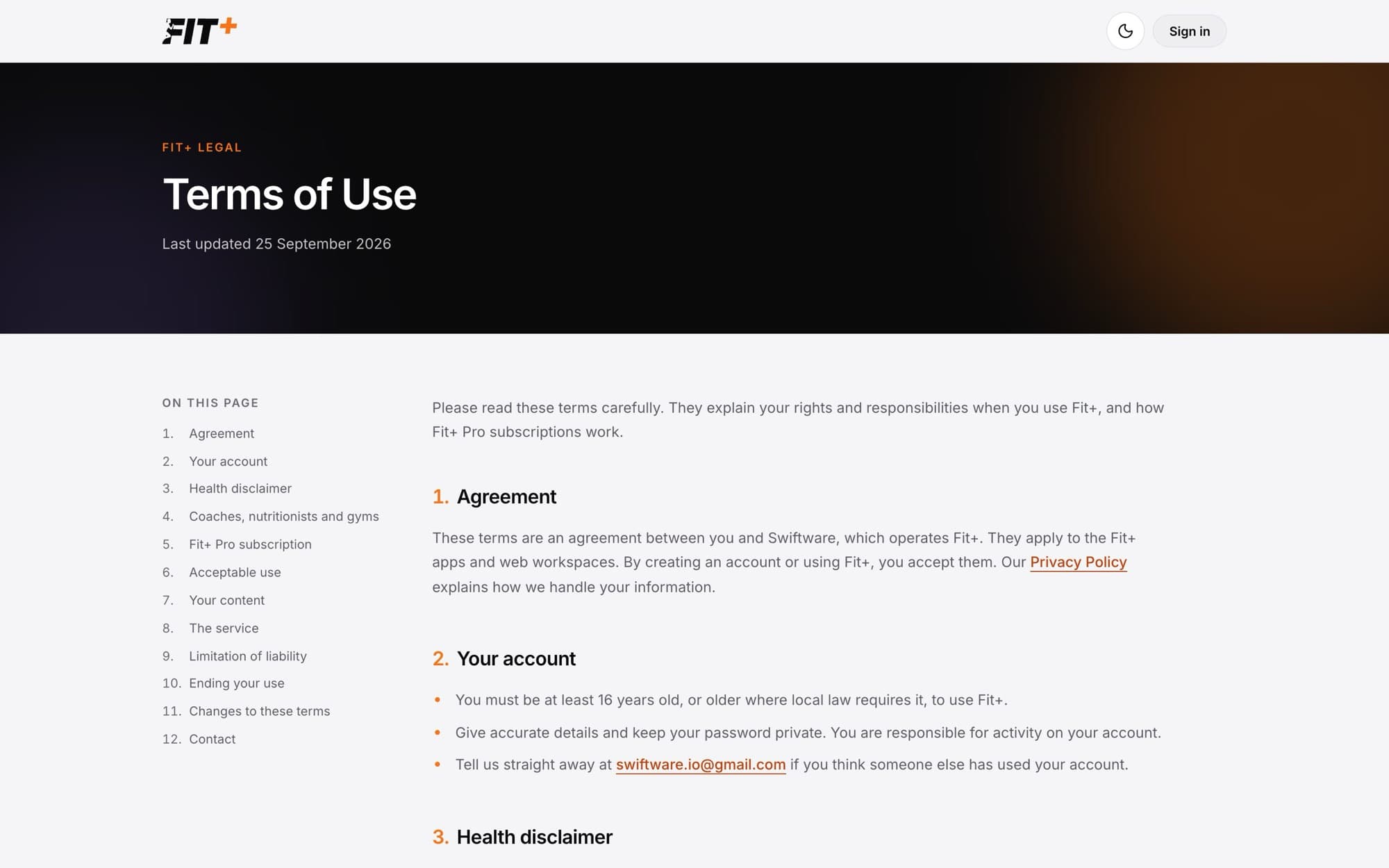
- The Terms of Use cover your account, the health disclaimer, working with coaches, nutritionists and gyms, the Fit+ Pro subscription, and acceptable use.
Common questions
To download your data on the website, select Profile, then Export data. See Export your data. To delete your account, select Delete account at the bottom of any public Fit+ page. See Delete your account. You can also do both in the Fit+ app under Me, then Settings, then Security.
Fit+ Pro is bought in the app, so you manage or cancel it in your phone's app store subscription settings. The Cancel or change subscription answer on the Support page has the details.
Try signing in with an email link or resetting your password. If neither works, email support from the address you signed up with.