

Join groups and clubs
See your gyms, clubs and teams in Community and ask to join new ones in the Fit+ app.
Every gym, club or team on Fit+ has its own space in Community. Use the Groups tab to jump between your spaces and find new ones to join.
See your groups
Tap Community, then Groups.
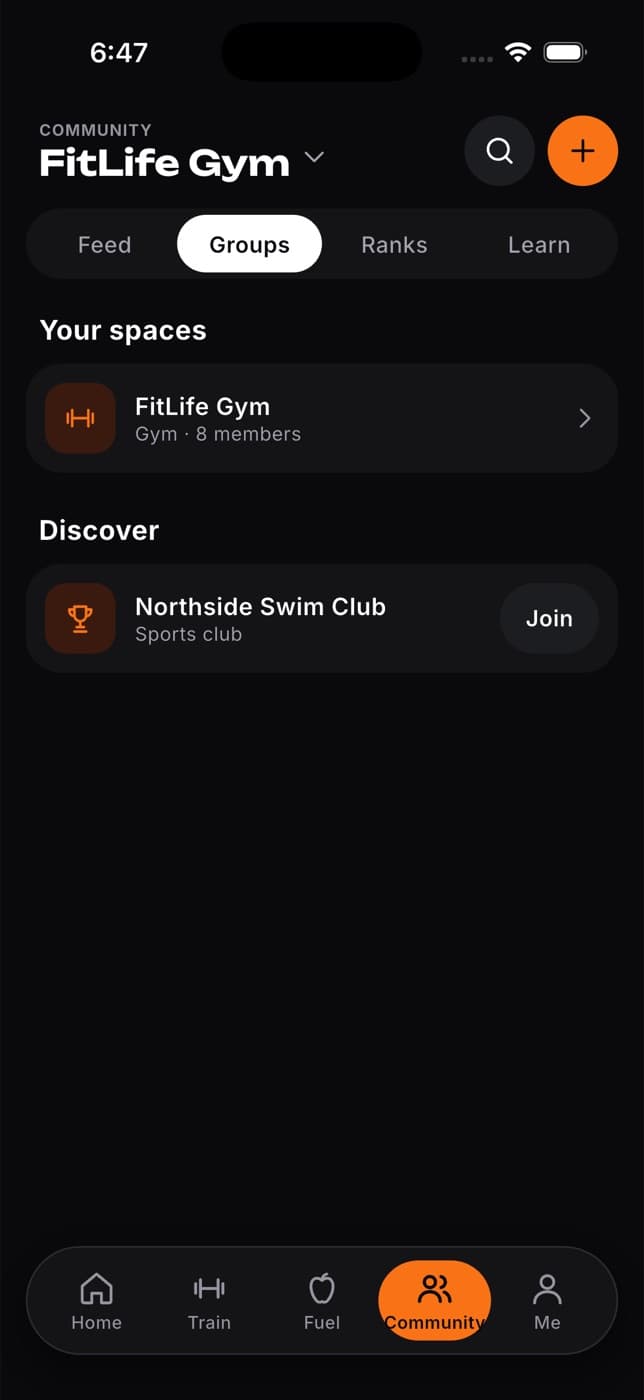
Under Your spaces, tap a group to see its feed.
Ask to join a group
Tap Community, then Groups.
Look through Discover for a gym, club or team you'd like to join.
Tap Join. The button changes to Requested.
What happens next: the group reviews your request. Once they approve it, the group appears under Your spaces and you can read and post in its feed.
If your gym gave you a code or a QR code, you can also join from Me, then Membership and check-in. That's also where you'll find your check-in pass.
Common questions
Not from the app yet. If you asked to join by mistake, contact the group or ignore it. Nothing happens until they approve it.
No. A group is a shared feed where members post. For a private conversation, use Messages.
Only active members of that gym, plus the gym's owner.