

Approve or decline join requests
Let new members into your gym when they ask to join from the Fit+ app.
When someone asks to join your gym in the Fit+ app, you decide whether to let them in. Nobody becomes a member of your gym until you or your staff approve them.
Before you start
You need to be the owner, or staff with See and add members.
Answer a request
Open your join requests in any of these ways:
- Click the notification "Name asked to join FitLife".
- Click Review next to "people ask to join" under Needs you on the overview.
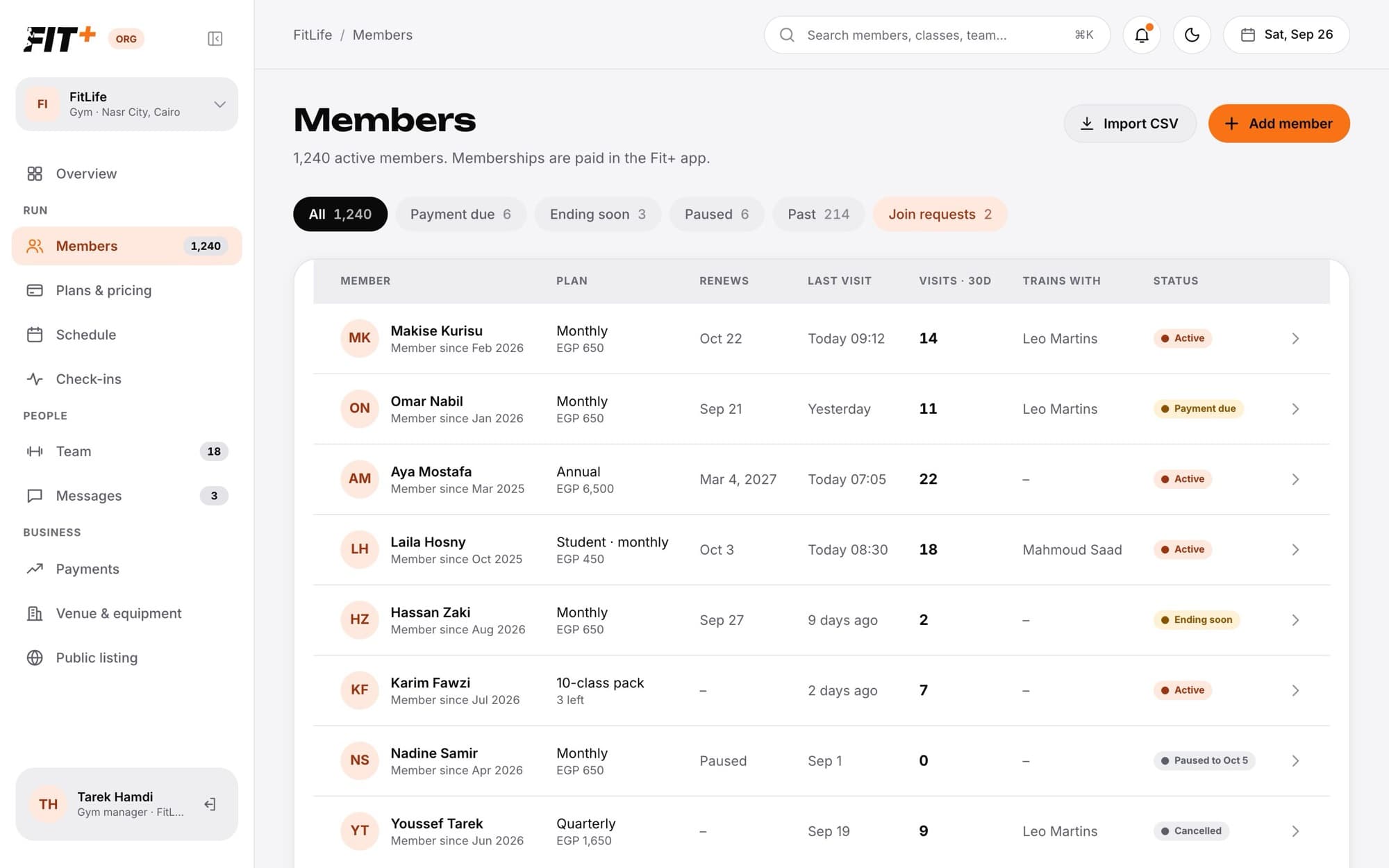
- Open Members and click the Join requests chip.
What happens next
- Approved: the person becomes a member and is told in the app. If you sell plans, they are asked to choose one. Either way, their check-in pass is ready in the app.
- Declined: the person is told their request was declined. They can ask again later.
- Once one person on your team answers a request, it disappears for everyone else, so nobody answers twice.
Approving a request says "They joined and were told in the app. Health data stays private to them." Joining your gym doesn't share a member's health data with you.
Common questions
Not from a join request. Contact Fit+ Support if you want to bring back someone you removed or suspended.
Ask them to check that they chose the right gym in the app. If they are already a member, they won't appear as a request.
No. Approving lets them into your gym. They buy a plan in the Fit+ app afterwards.