

Become a Fit+ professional
Apply as a coach or nutritionist, find out what the review involves and set your password once you are approved.
To work with clients on Fit+, you apply as a coach, a nutritionist or both. The Fit+ team checks your application, and once you are approved you set up your Fit+ Pro workspace on the website.
Before you start
- The Fit+ app on your phone. Applications are made in the app.
- Your qualifications and certificates at hand (name, organization and year for each one).
- An email address you can check. Fit+ sends the decision there.
Apply in the Fit+ app
Open the Fit+ app. If you are signed out, tap Coach or nutritionist? Join Fit+ for Professionals on the welcome screen. If you already have a member account, tap Me, then Fit+ for Professionals.
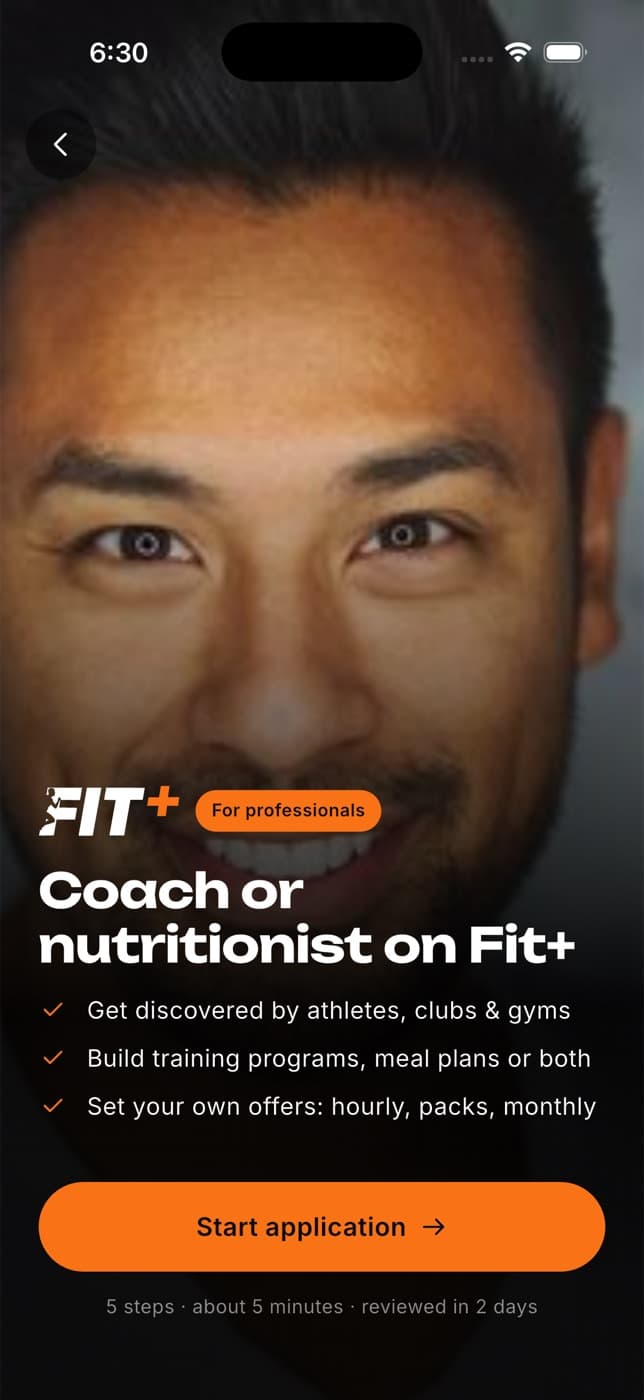
Tap Start application. The form has five short steps and takes about five minutes.
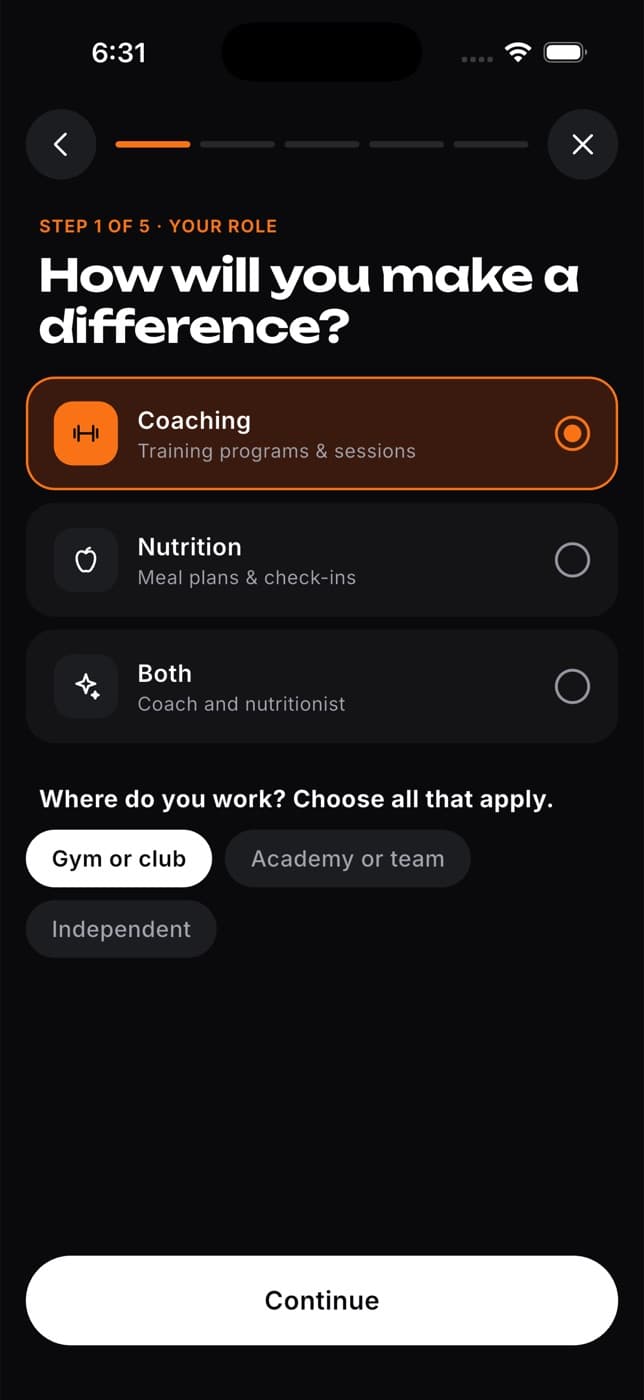
Your role: choose Coaching, Nutrition or Both, and where you work (Gym or club, Academy or team, Independent).
Your details: your name, email address, city and, if you like, a phone number.
Experience: your years of experience, a short description of your approach (at least 30 characters) and your specialties.
Qualifications: add at least one qualification for each discipline you chose. You can also add a link to your portfolio or social profile.
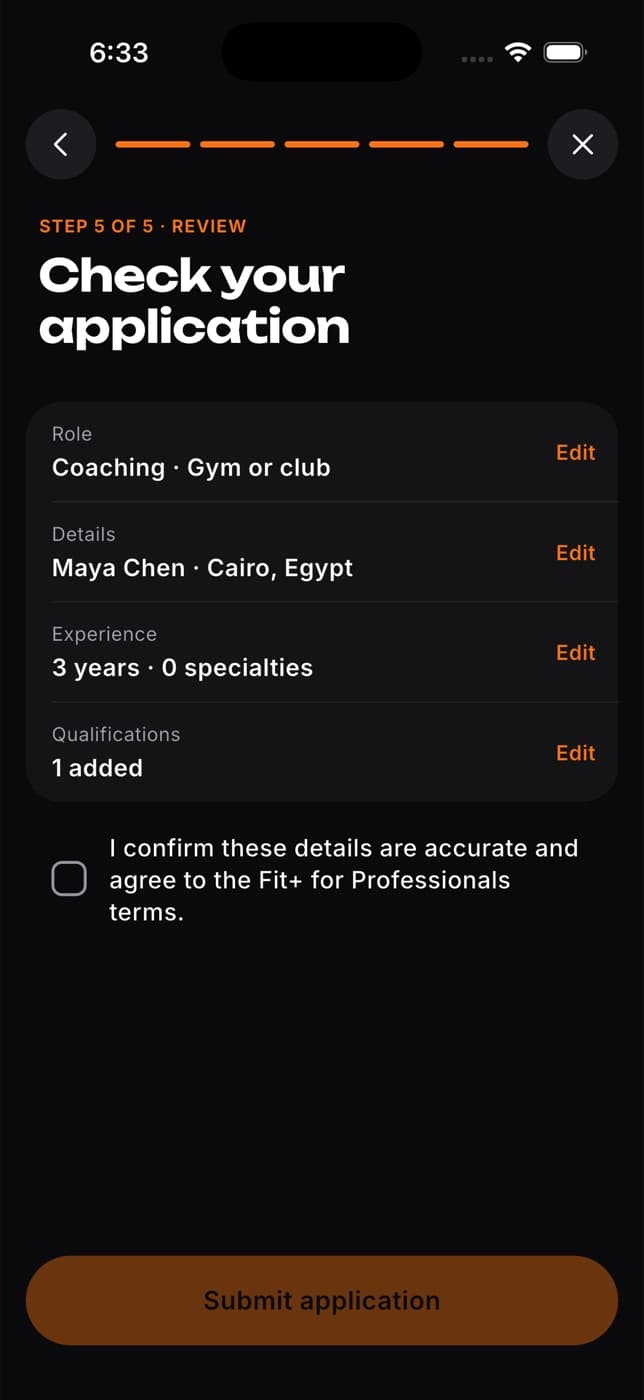
Review: check each section, tick the box to confirm your details and accept the Fit+ for Professionals terms, then tap Submit application.
Submitting an application does not create an account or sign you in. If you applied without an account, you can create one now or later with the same email address.
What the review involves
- The Fit+ team checks your experience and qualifications. This usually takes 1 to 2 working days.
- If the team needs copies of your certificates, they ask you by email.
- You get the decision by email. If you applied while signed in, you also get a notification in the app.
While you wait, you can already sign in to the Fit+ Pro website with the same email and prepare your public profile and offers. See Set up your workspace.
Set your password and activate your workspace
How you get in depends on whether you had a Fit+ account when you applied.
Your professional access is switched on as soon as you are approved. Sign in to the Fit+ Pro website with your usual email and password, and you go straight to setting up your workspace.
Joining through a gym
If you work at a gym on Fit+, the gym can invite you as a coach or nutritionist. Accept the invitation in the Fit+ app, signed in with the email address the gym used. The invitation is valid for 7 days. Your access through the gym lasts while you are an active member of the gym's team.
What happens next
Once you have access, you finish a short setup: what you coach, an introduction and your first offer. Members can find and book you as soon as you finish. See Set up your workspace.
Select Sign in on that page and sign in with the email you applied with. If you still can't get in, contact Fit+ support and ask for a new link.
Check your email for the reason. If you sign in to the website, you see Your application wasn't approved with a Contact support button.
You haven't applied yet, or you signed in with a different email from the one on your application. Apply from the Fit+ app, then sign in with the same email.
Not yet. Applications are made in the Fit+ app. Everything after approval, including setup and your daily work, happens on the website.