

Use your gym's library
Use the exercises, workouts, programs, foods and recipes your gym keeps for its coaches and nutritionists, and copy one to your own library to change it.
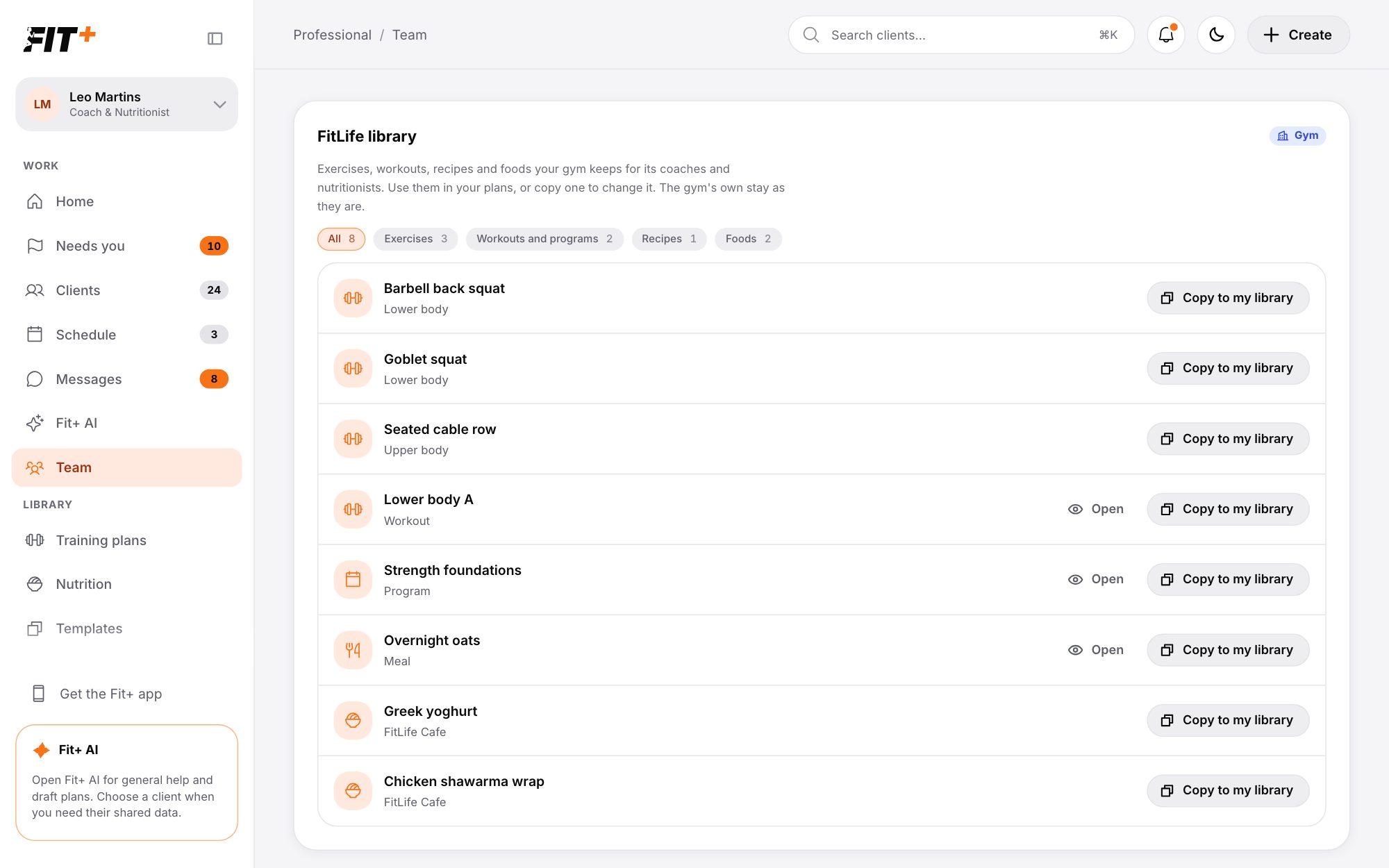
If you coach or advise clients at a gym on Fit+, the gym can keep a library for its team: exercises, workouts, programs, blocks, foods, recipes and nutrition plans. You can use them in your plans as they are, or copy one to your own library and change it there. The gym's own stay as they are.
The gym's owner and managers keep the library. See Keep a gym library and defaults.
See your gym's library
- On the website: select Team in the sidebar. Your gym's library is on the page, under your gym's name and a Gym label.
- In the app: on Home, tap your picture, then Team. Under Your gym, tap Gym library.
On the website, pick what to show: All, Exercises, Workouts and programs, Recipes or Foods. In the app, each item says which gym it's From.
If the library is empty, your gym hasn't added anything yet.
Use a gym item in your plans
Gym items sit beside your own in the builders' pickers, with a Gym label:
- exercises in the exercise picker of the program and workout builders
- workouts and blocks in the program builder
- foods when you add an ingredient to a meal
- meals in the meal library of the nutrition plan builder
Pick one like any of your own. Your plan gets its own copy, so later changes in the gym's library never change a plan you wrote.
Copy an item to your library
To change a gym item, copy it first.
Find the item in your gym's library.
Select Copy to my library on the website, or tap Copy in the app.
The copy is yours to change. The gym's stays as it is.
Coaches copy training items and nutritionists copy nutrition items. Select Open to look at an item first.
Your gym's defaults
Your gym can also set the training defaults its coaches start from. Until you save defaults of your own, your My defaults start from the gym's, and a note says so. What you change is yours.
Common questions
No. Members never see it. Your clients see the plan you write, with what you picked from the library.
No. Plans you've written keep what they have. So do copies in your own library.
Only coaches can copy training items, and only nutritionists can copy nutrition items.