

When you see "no access"
What it means when Fit+ says you don't have access to a workspace, and how to get back to your own space.
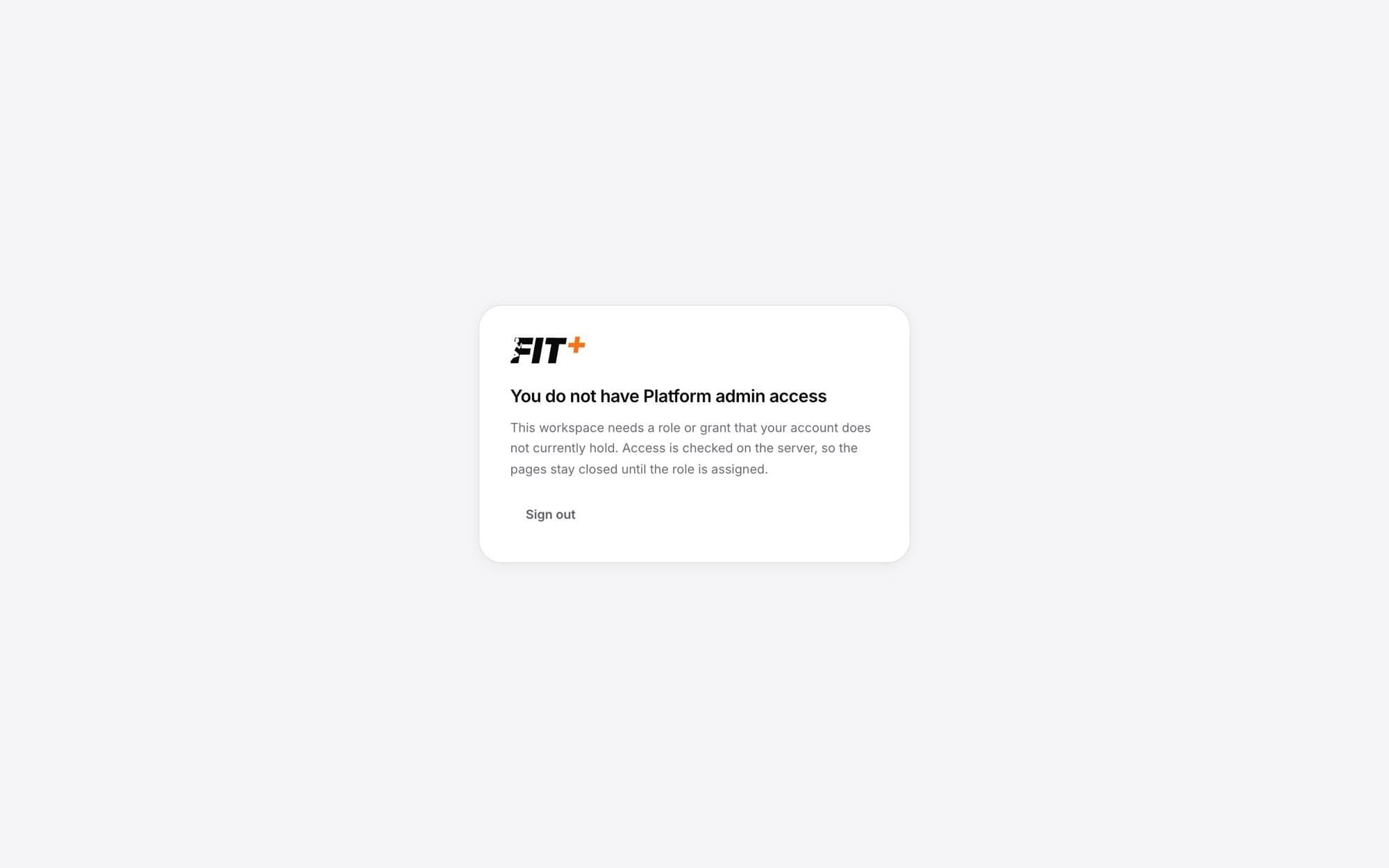
Fit+ has separate spaces for members, coaches and nutritionists, gyms and the Fit+ team. If you open a page for a space your account isn't part of, you'll see a message like You do not have Platform admin access instead. Nothing is wrong with your account: you've just followed a link to somewhere you don't have a role.
Get back to your own space
Look under Workspaces you can open
When you're signed in, the card lists the spaces your account has, for example My fitness.
Select the one you want
It opens straight away.
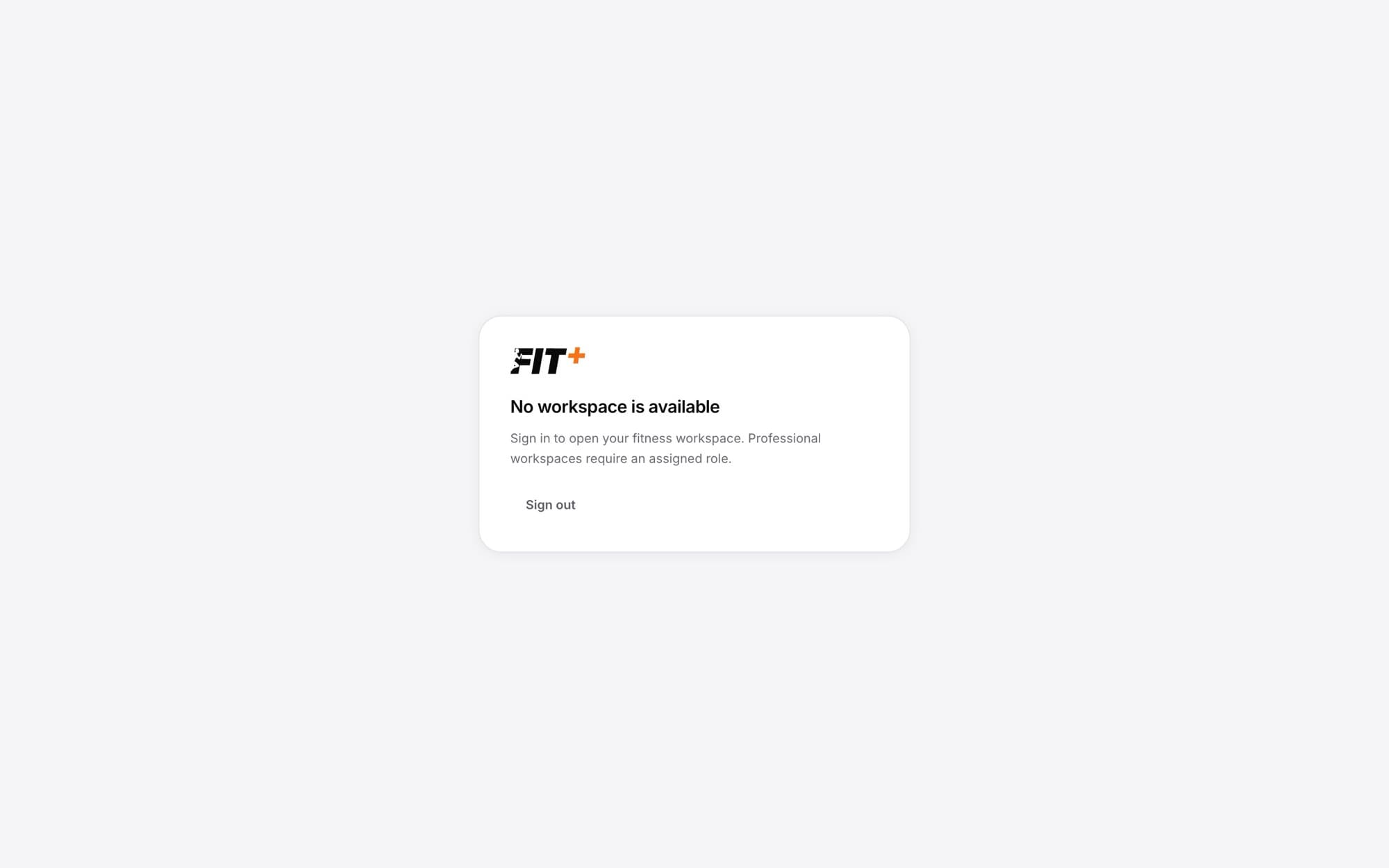
If you see No workspace is available, you're probably signed out. Sign in again.
Why it happens
- You opened a link meant for a coach, a gym or the Fit+ team.
- Your role has changed. For example, a gym removed you from its staff, or a gym's account was paused.
- Access you were given for a limited time has ended.
- You're signed in with a different account than the one that has access. Select Sign out and sign in with the right one.
How to get access
You can't give yourself access. Ask the right person:
| You need | Ask |
|---|---|
| Gym management | The gym's owner. They can invite you to the team. |
| Coach or nutritionist workspace | Apply to join Fit+ as a professional. See Fit+ for professionals. |
| Anything else | The Fit+ team. See Getting help. |
Every Fit+ account can always open My fitness, your own training, food and health space.