

Invite and import members
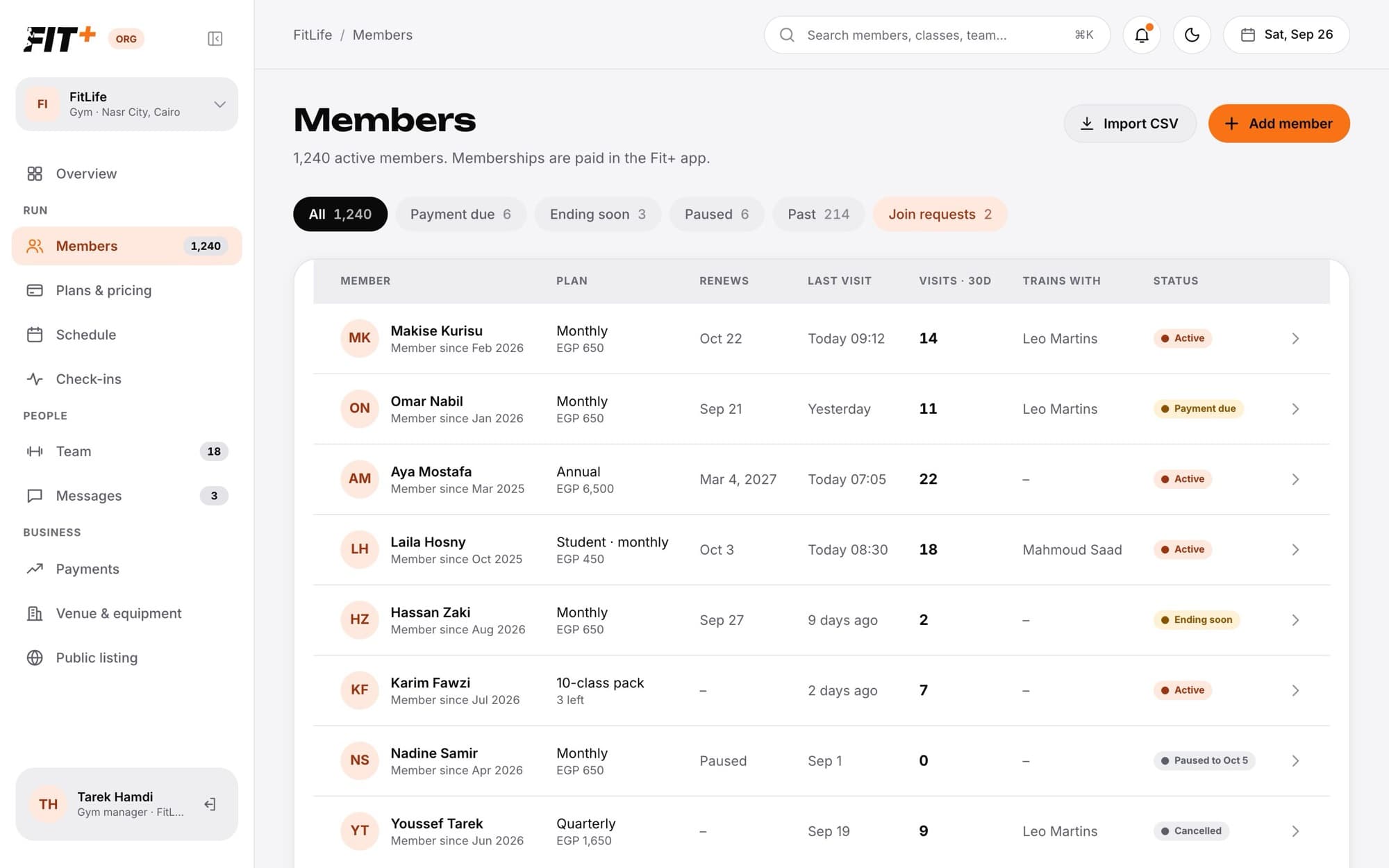
Invite one person by email, or import your existing member list, so they join your gym on Fit+.
Moving your gym to Fit+? Invite your members by email instead of waiting for them to find you. Each person joins with their own Fit+ account and buys their plan in the app.
Before you start
- Only the owner can invite and import members.
- Have your members' email addresses ready. For an import, any spreadsheet exported as a CSV file works, as long as one column has email addresses.
Invite one member
Import a list of members
Big lists
You can import up to 500 addresses at a time, and you can send up to 60 invitations an hour. For a big list, import it in batches of 60 and wait an hour between batches.
What happens next
- If the person already uses Fit+, the invitation waits for them in the app. Otherwise they can create an account with the same email address.
- Invitations last 7 days. Each email address can only have one invitation waiting at a time.
- Nobody is added to your gym until they accept. When they do, they appear in Members and can buy a plan in the app.
Common questions
They can find your gym in the Fit+ app and ask to join instead. You'll see their request under Join requests, and you can approve it. See Approve or decline join requests.
No. Every member joins with their own Fit+ account, so each person needs an email address.
Use Team instead. See Invite and manage your team.
Yes. Once it has expired, invite the same email address again.