

Pause, resume or cancel a membership
Put a membership on hold for travel or injury, bring it back early, or cancel it at the end of the paid period.
Members travel, get injured or move away. From a member's profile you can pause their membership, resume it early or cancel it. The member is told in the Fit+ app each time.
Before you start
- You need to be the owner, or staff with See and add members.
- The member needs an active plan. How long they can pause depends on the plan's pause rule, for example "Up to 30 days a year". See Create and edit membership plans.
Pause a membership
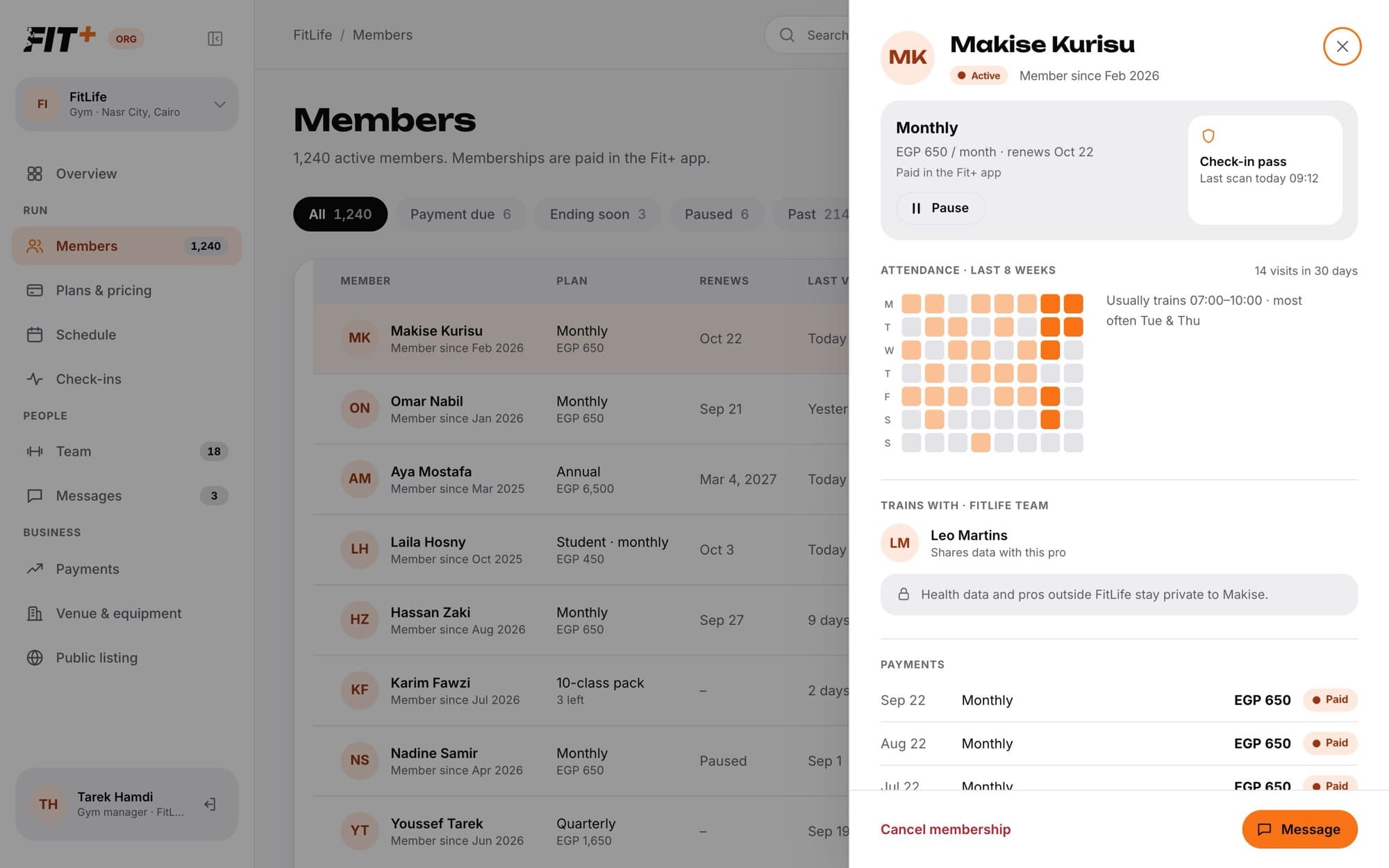
The end date of their membership moves later by the number of days paused, so they don't lose any time they paid for. If the pause is longer than the days they have left this year, Fit+ tells you, for example "That is 20 days. 10 of the 30 pause days are left."
While a membership is paused, the member can't check in. The front desk sees "Not let in" and can resume the membership on the spot. See Check members in.
Pause from a message
If a member messages you asking to pause, with dates, Fit+ suggests the pause for you in Messages. Click Pause & reply to pause and send a ready-made reply in one go, or Edit dates to change them first. See Message members and your team.
Resume a paused membership
The pause ends today. Unused pause days go back to the member, and the end date moves back by the same amount.
Cancel a membership
The member keeps access until the end of the period they paid for, and is told in the app.
Common questions
No. Resume it first, then set the new dates.
Their plan may not allow pauses, or they may have used all their pause days for the year. Check the plan's pause rule on Plans & pricing.
Not from Gym management. Cancelling always ends the membership at the end of the paid period.