

Use Fit+ Pro on your phone
Keep up with clients, requests, sessions and messages from the Fit+ app when you're away from your computer.
Your professional tools also live in the Fit+ app. Sign in with the same account and the app opens your professional workspace. Everything is shared: a program you assign on the website shows in the app, and a swap you approve on your phone is answered on the website too.
The phone is best for daily work on the go. Building detailed programs, nutrition plans and templates is easier on the website.
What you'll find in the app
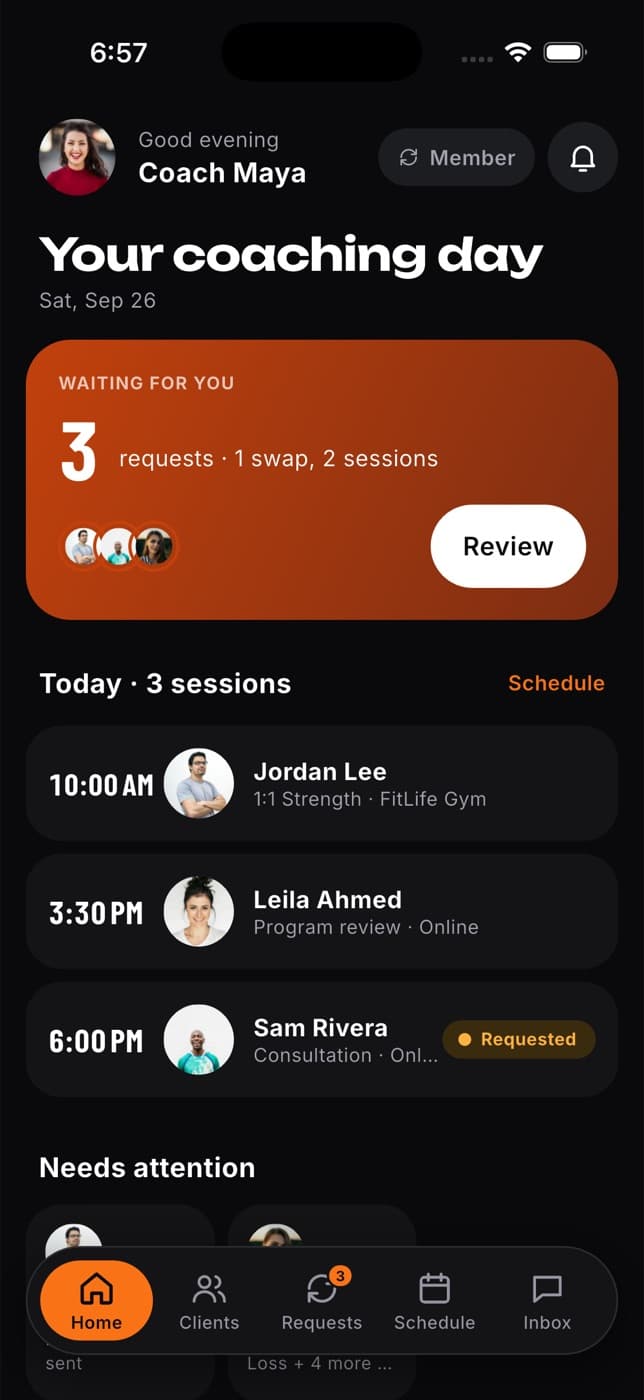
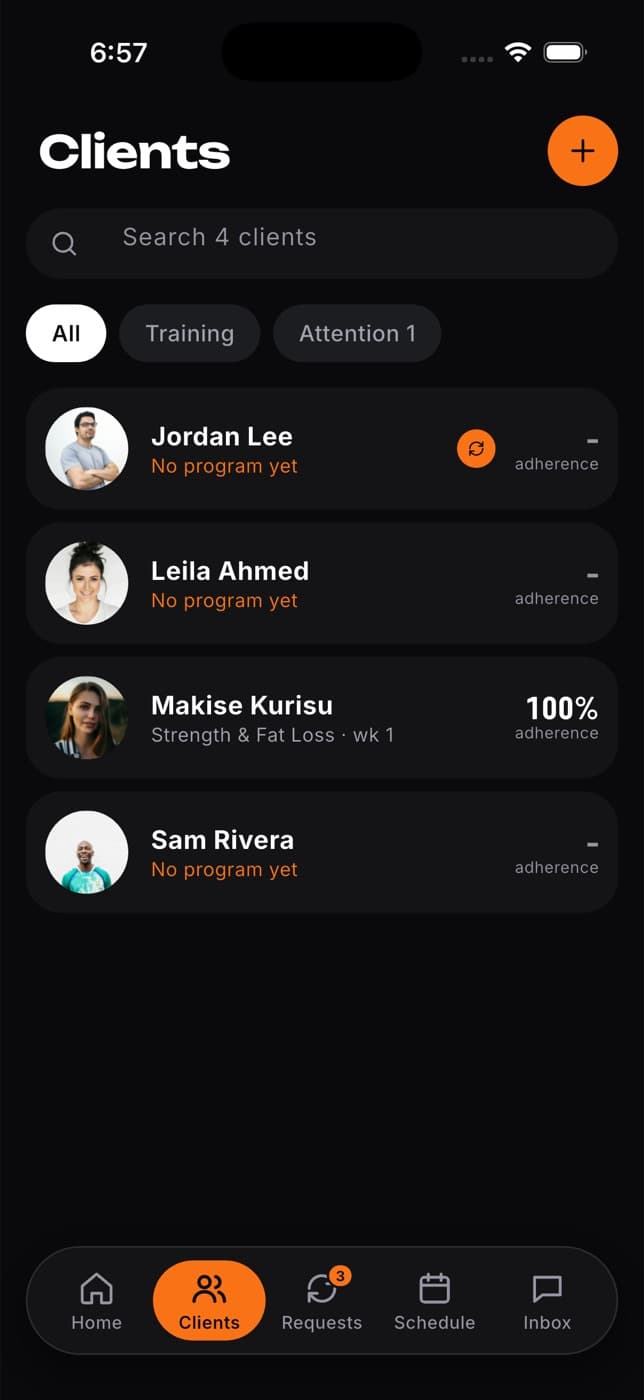
The app has five tabs at the bottom:
- Home: requests waiting for you, today's sessions and clients who need attention.
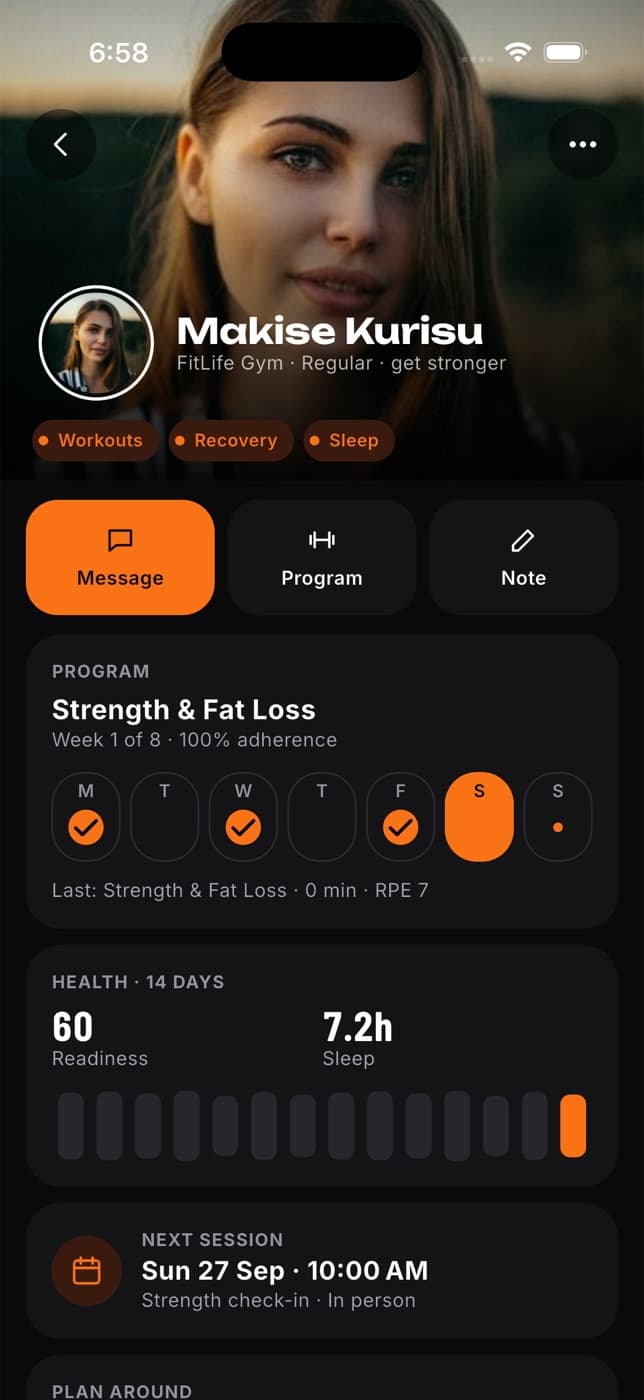
- Clients: everyone you work with, their plan and adherence. Open a client to see what they share, their program or meal plan, their health and your notes. A client's weight, energy and water show in the client's own units.
- Requests: exercise swaps, meal swaps and session requests to approve or decline.
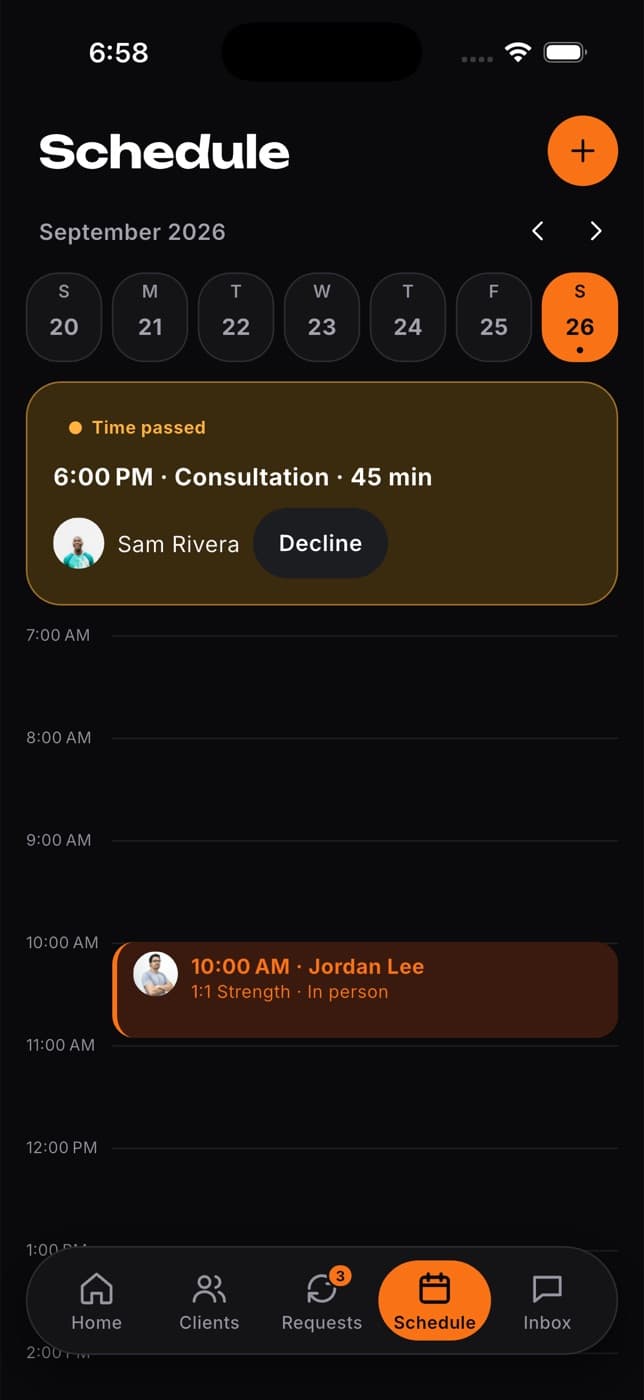
- Schedule: your sessions for the week.
- Inbox: your chats with clients.
Things you can do in the app
- Answer requests: approve or decline swaps, or confirm or decline session requests.
- Add a session for a client from Schedule, and move or cancel a session. The client is told.
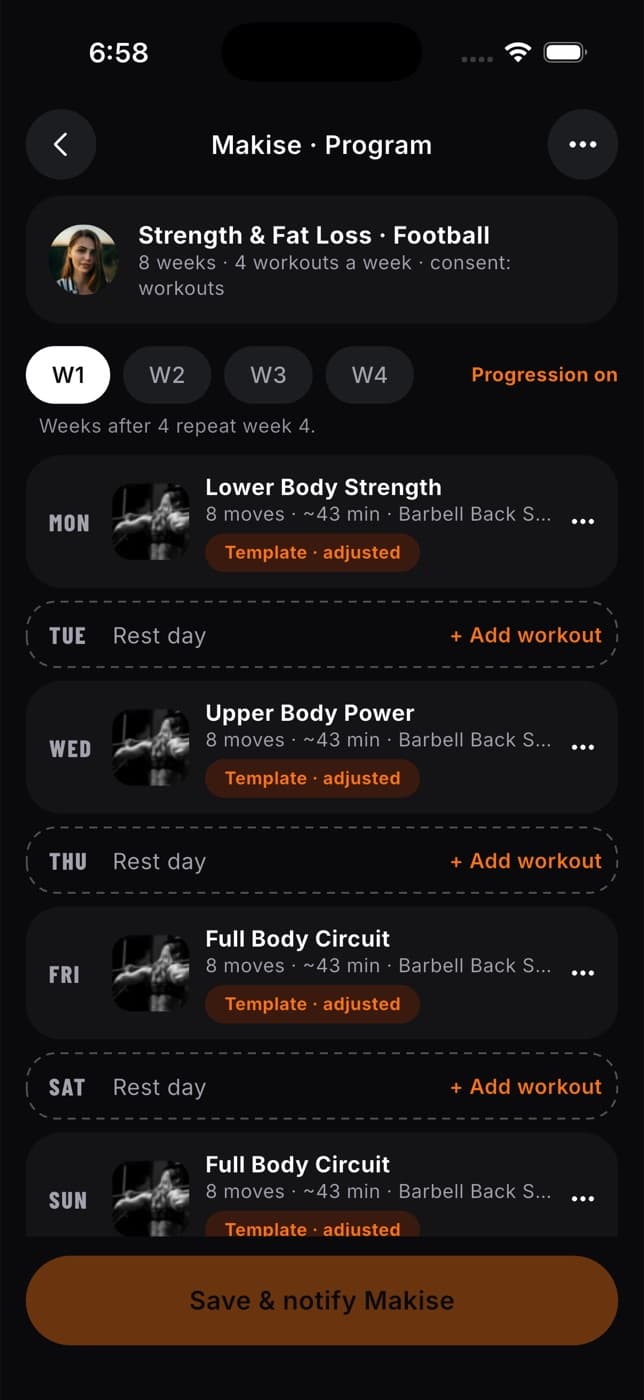
- Edit a client's program week and select Save & notify [name] to send the change. Loads, distances and energy in the builders show in your own units.
- Review a client's last workout: open the client and select Review last workout. If the client changed the workout after finishing it, you see when.
- Invite a client: on Clients, select Invite a client to share a message with the Fit+ link and how to find you and share their data.
- Open your workspace menu: select your picture on Home. From there you reach My offers, Programs, Meal plans, Exercise library, My exercises, Workout templates, Your gyms, Public profile, Notifications, Settings and Switch workspace.
- Watch technique videos: in Exercise library, exercises with a technique video show it at the top. See Browse the exercise library.
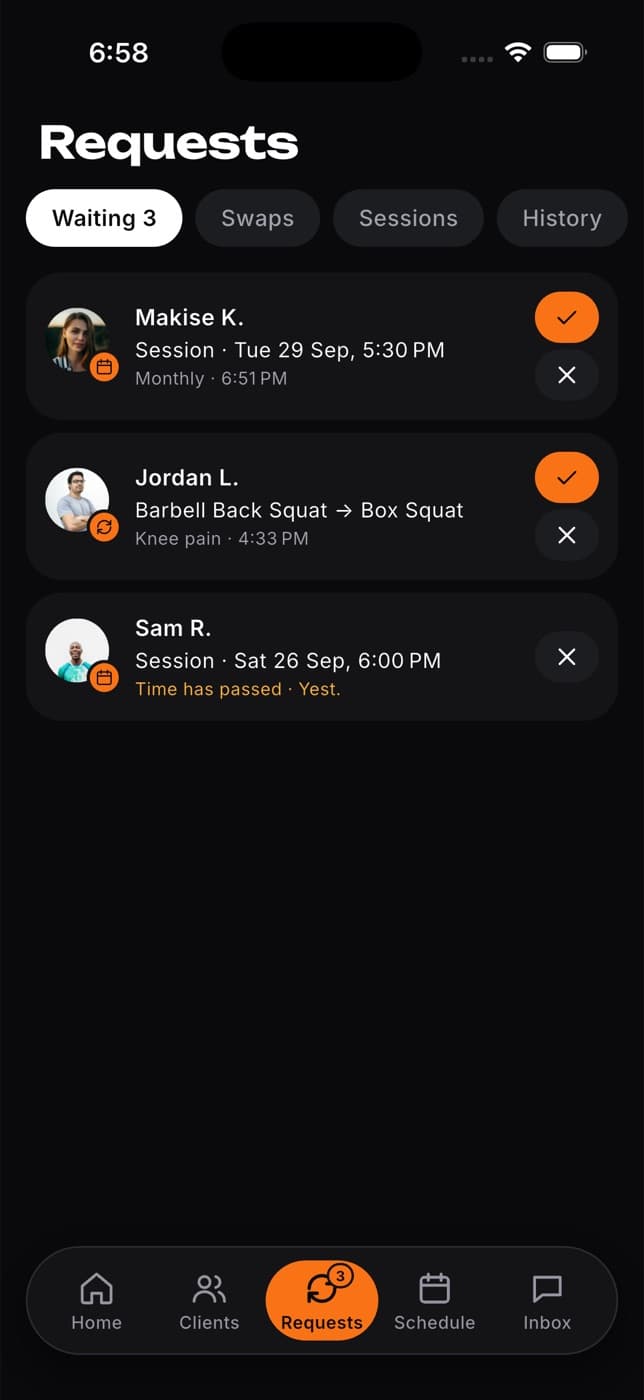
Allow notifications when the app asks, so new requests and messages reach your phone.
What's on the website only
Some tools are only on the Fit+ Pro website for now:
- A client's full training history, progress charts and the weekly reports they share. See Follow a client's progress.
- Weekly nutrition check-ins. See Approve nutrition check-ins.
Yes. Select Member at the top of your professional home, or Switch workspace in the workspace menu.
No. The website and the app show the same clients, plans, requests and chats.