

Start a workout
Start your coach's program or one of your own routines on the web, log each set as you train, then finish the session.
Have a laptop or tablet next to you while you train? You can follow your coach's program, or a routine you built yourself, on the web and log each set as you go. If you share your workouts, your coach sees exactly what you did, set by set.
Before you start
- A program from your coach, or a routine of your own. If you have neither, record your workout afterwards instead.
- Only one workout can be in progress at a time. If one is already open, finish it first.
Start the session
Select Start session
You'll find it on Today. On Training, select Start this program for your coach's program, or Start on one of your routines. You can also select Start in My routines.
See your workout
Your workout opens, with its name, your coach's name if it's their program, and the time you started. It's marked Not saved yet until you log your first set.
Changed your mind before logging anything? Select Leave without saving. Nothing is recorded.
Log your sets
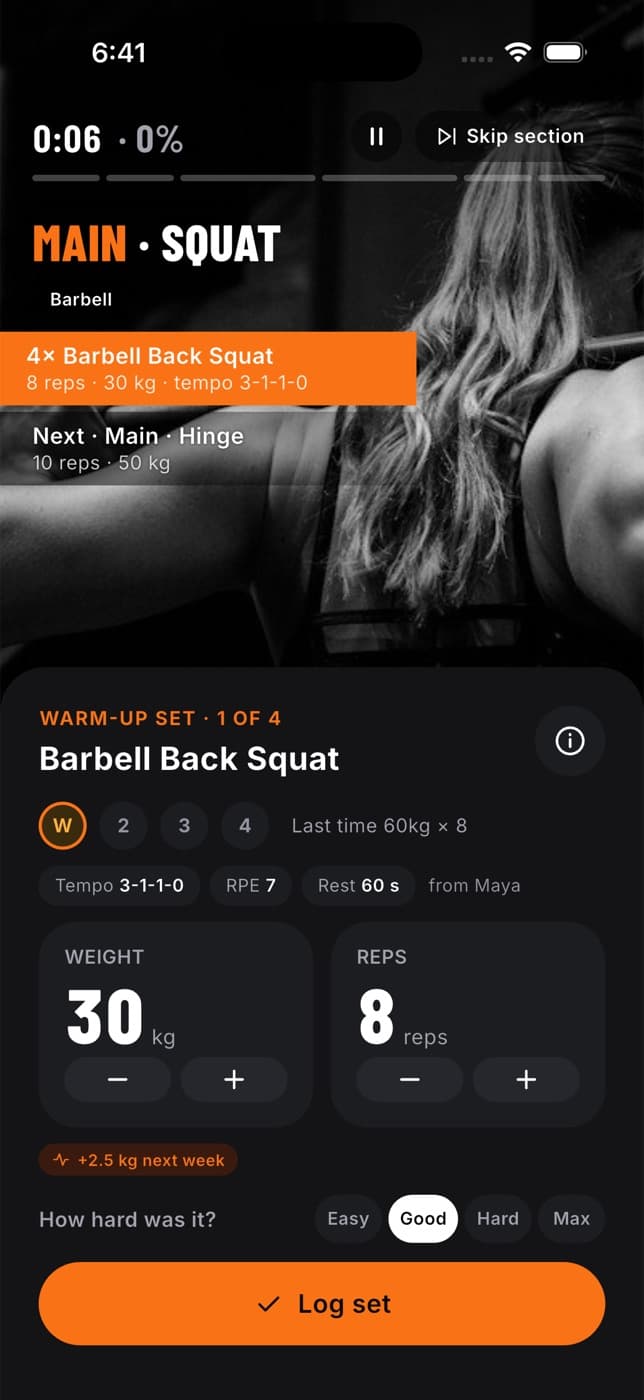
Each exercise shows how many sets are planned, the reps or time, the equipment, any tips, and your Best weight for that exercise so far. If the program or routine includes warm-up sets, they're marked W.
Do your set
Train as usual.
Enter your reps
The planned reps are already filled in. Change them if you did more or fewer.
Enter the weight
Type the weight in your units (kilograms or pounds, as set on your Profile). Use 0 for bodyweight.
Select Log set
The set is saved and the next one is ready. The bar at the bottom shows how many of your planned sets you've done.
The weight box starts empty on purpose, so you never accidentally save last week's numbers. Your best weight appears as a hint.
Finish the session
Scroll to Finish this session
It's below your exercises. The time is taken from the clock, so you don't need to enter it.
Say how hard it was, if you like
Under How hard was it?, choose Easy, Good, Hard or Max, or leave it as Prefer not to say. Hard means one or two reps left in the tank. Max means none.
Add notes if you like
Only you, and people you share training with, can see notes.
Select Finish session
You'll see "Session saved". You need at least one logged set to finish.
What happens next
- The workout appears in your history, on Today, your Profile, Progress and Achievements.
- If you share your Workouts with your coach, they see every set you logged.
- Logged a set by mistake? Open the workout in your history afterwards and select Edit to fix or remove it.
Common questions
Nothing is lost. Every set you logged is already saved. Open Today or Training and select Resume session to carry on.
You started a workout earlier and didn't finish it. Select Resume session on Today and finish it before starting another.
You probably have the workout open in two tabs. Refresh the page and log the set again.
No. Finish a workout where you started it. The app's workout player keeps its own workout until you finish it there.
Fit+ never adds a warm-up by itself. You only see one when your coach put it in the program, or you added it to your routine.