

Your profile
See your training history at a glance, change how you appear to others on Fit+, choose your units and export your data.
Your Profile shows how you appear across Fit+, on the web and in the app, along with your workout totals and a calendar of the days you trained. It's also where you choose your units and download your data.
Select Profile in the sidebar to open it.
What you'll see
- Your card: your picture, name, gym (or "Independent member"), sport, when you joined, and your bio.
- Rings for your total Workouts, Minutes trained, Calories and current Streak. Calories only count workouts a device measured, so they're never guessed.
- History calendar: every day you finished a workout. Use the arrows to move between months.
- Recent sessions: your last few workouts.
- Units and Your data, below the edit form.
Edit your profile
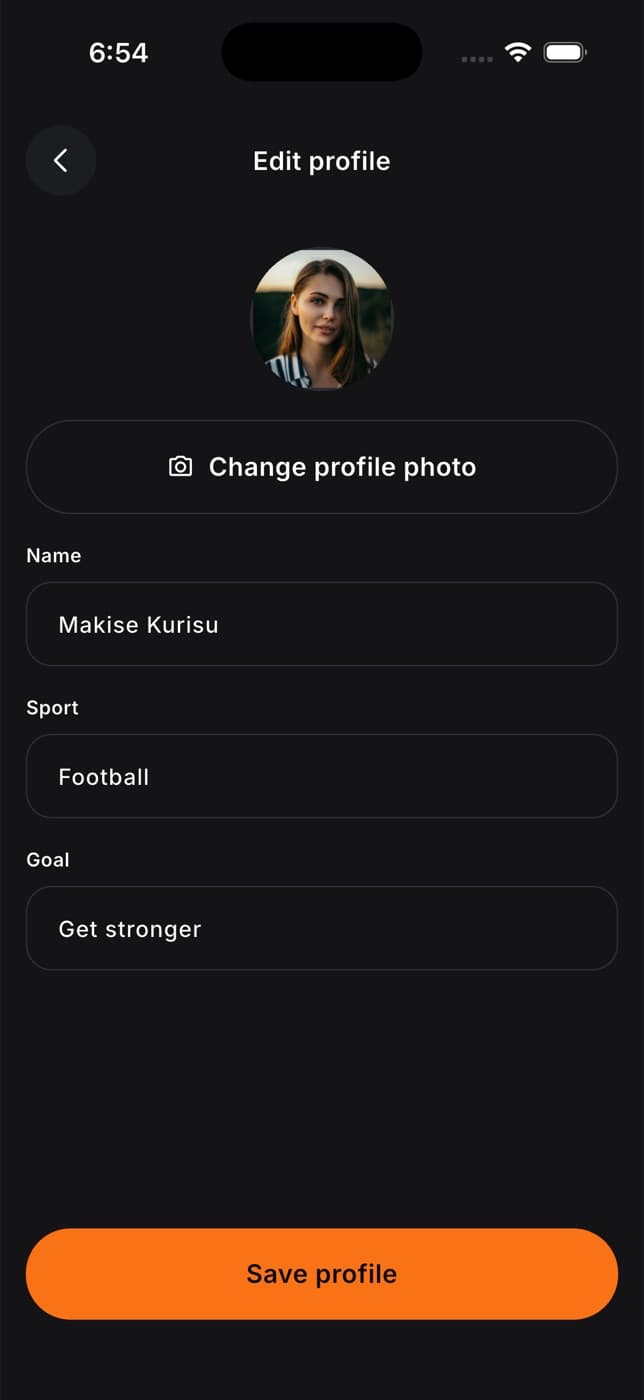
Select Edit profile
You'll jump to the edit form. Your email address is shown at the top.
Update your details
Change your Name, Sport or Bio (up to 600 characters).
Select Save profile
You'll see "Profile updated." Your new name shows in the sidebar, on your community posts, in messages and to your coaches.
Choose your units
Your units apply to workouts, food, health and what your coach sees, on the web and in the app. Everything is stored the same way, so switching never changes your records.
Find Units
It's below the edit form.
Pick a unit for each kind
- Weight: kg or lb.
- Distance: km or miles.
- Height and body: cm, or ft and in.
- Energy: kcal or kJ.
- Liquids: ml and L, or fl oz.
Choose when your week starts
Under Week starts on, pick Monday, Saturday or Sunday.
Select Save units
You'll see "Units saved".
Download or bring in your data
Under Your data, select Export data to download your workouts, food diary and readings. See Export your data. On the same page, Import history brings in your history from Strong, Hevy, MyFitnessPal or another app. See Bring your history from another app.
Change your password
Select Change password at the bottom of the page. See Forgot or change your password.
Common questions
In the Fit+ app. Tap Me, then Settings, then Personal info. The website can change your name, sport and bio.
Notifications are set in the Fit+ app's Settings. Your nutrition goal can be set on the web too: see Your nutrition goal and weekly check-in.
See Delete your account.
Your gym only appears while you have an active membership with it on Fit+.
Share your data with a coach or nutritionist
Choose exactly what a coach or nutritionist can see, for how long, and stop sharing whenever you like.
Bring your history from another app
Import your workouts from Strong or Hevy, your food diary and weigh-ins from MyFitnessPal, or any CSV file, check what Fit+ found, and undo an import if you need to.