

Set up your plan
Tell Fit+ where you train and answer seven quick questions so it can suggest a plan that fits your goal, schedule and body.
Right after you create your account, Fit+ asks a few questions about you and your training. It uses your answers to suggest a plan that fits. It takes about three minutes, and nothing starts until you say so.
Before you start: you need a Fit+ account. See Create your account and sign in.
Your answers are private. Coaches and nutritionists you work with see what they need to plan around you, and your health data is only shared when you choose to share it. You can change your answers at any time.
Tell Fit+ where you train
On You're in, tap Set up my plan. (Tap Skip for now if you'd rather look around first.)
Choose where you train: Gym or club, Home, Outdoors or Team or academy. Pick as many as you like.
Optionally, pick your sports, such as Running, Football, Padel, Cycling or Strength.
If your gym, club or team gave you a code, you can tap Scan a gym, club or team code now. You can also do this later. See Join a gym, club or team.
Tap Start assessment.
Answer the seven questions
Each question shows "Step 1 of 7", "Step 2 of 7" and so on at the top. Tap Continue to move on, the back arrow to go back, or Skip to leave a question for now.
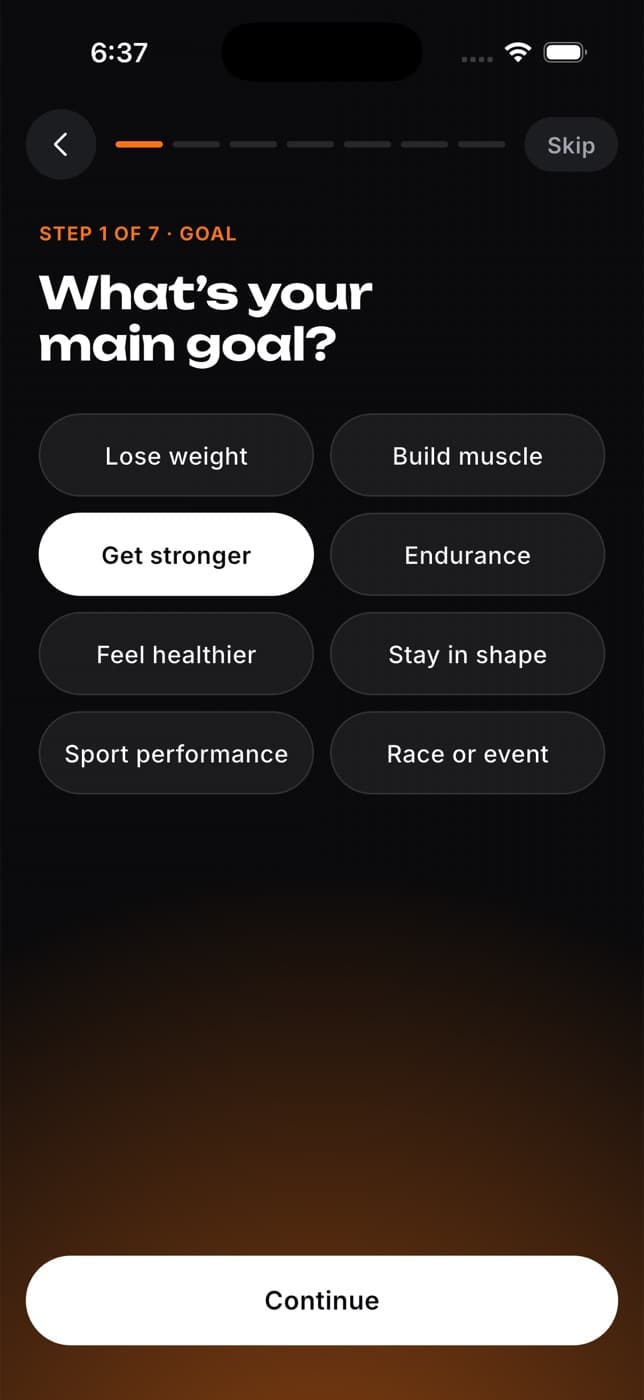
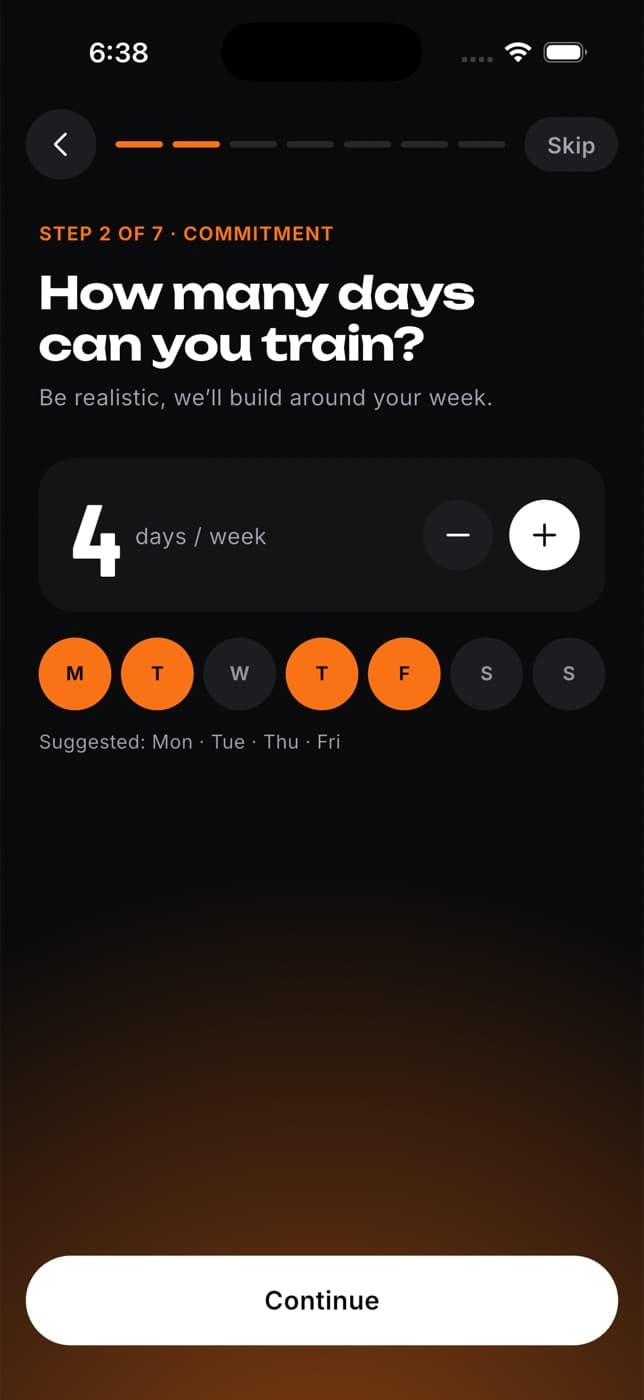
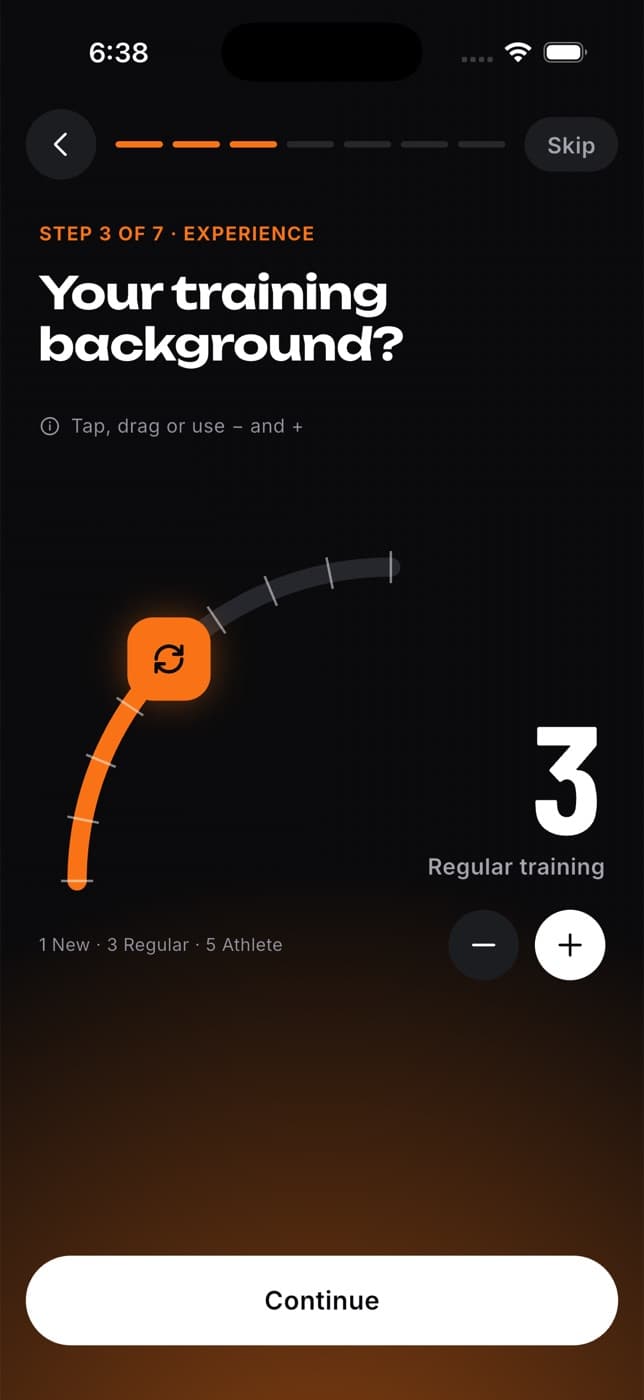
Your goal. Choose one: Lose weight, Build muscle, Get stronger, Endurance, Feel healthier, Stay in shape, Sport performance, or Race or event. If you pick Race or event, add the distance and roughly when it is, and your plan is sized to fit.
Your training days. Choose how many days a week you can train, then which days. Fit+ suggests a pattern you can change. Your plan runs on these days.
Your experience. Slide from New to Athlete. This sets how hard your plan starts.
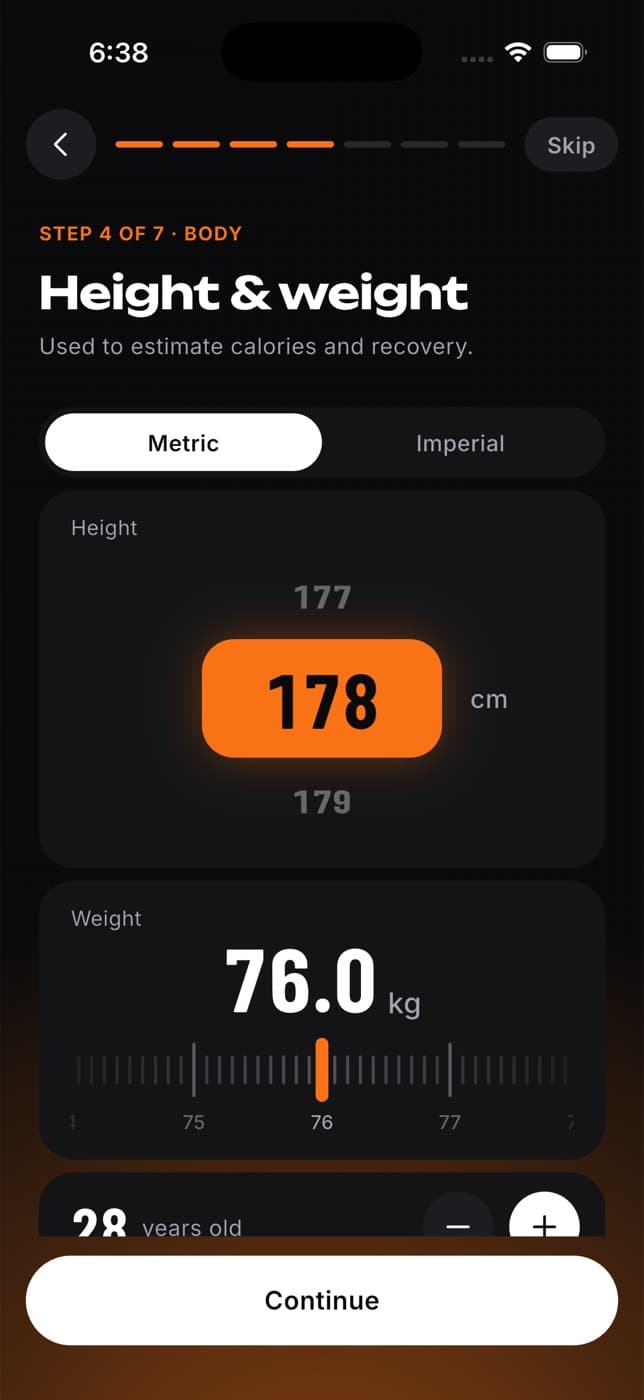
Height and weight. Enter your height, weight and age. It starts in your current units. Switch between Metric and Imperial if you prefer: your choice also becomes your units across the app, and you can fine-tune them later in Units.
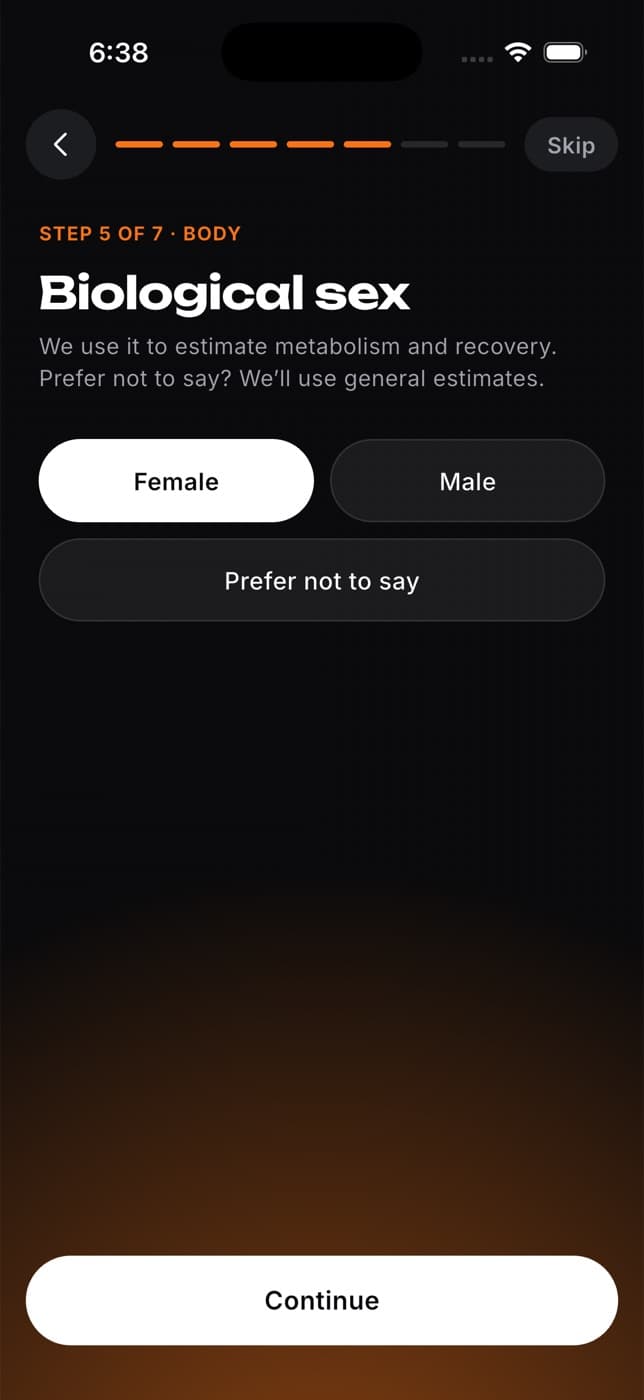
Biological sex. Choose Female, Male or Prefer not to say.
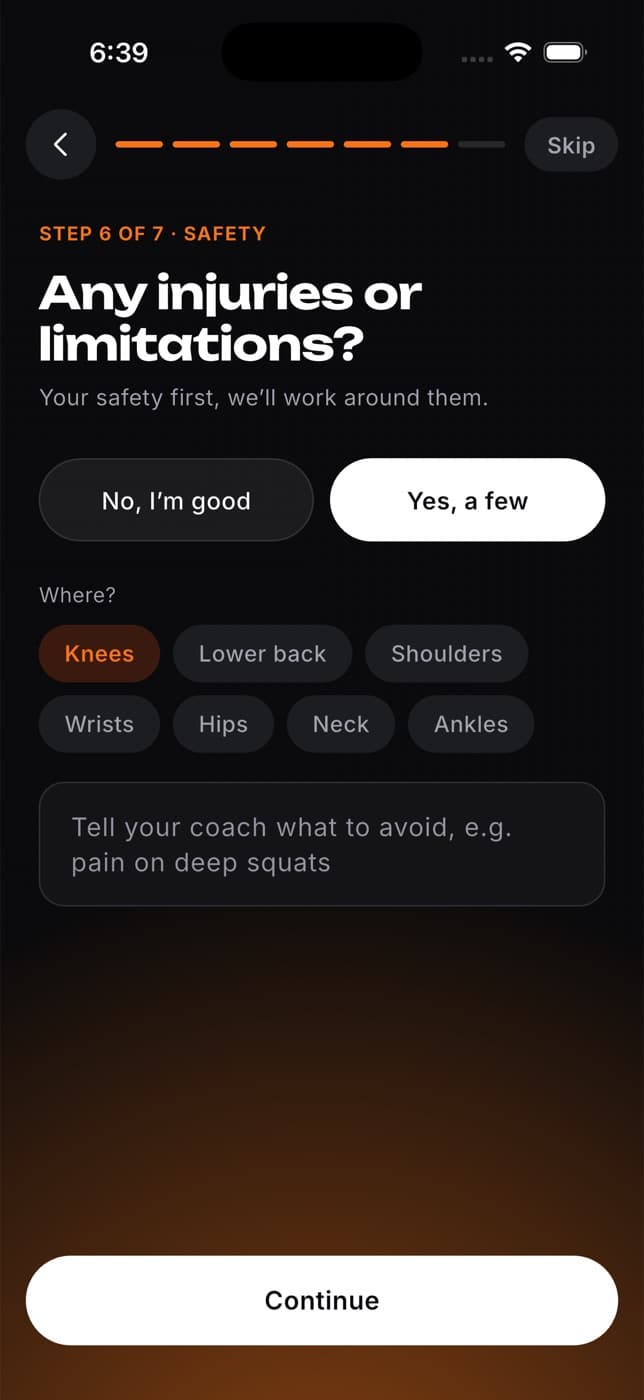
Injuries or limitations. Choose No, I'm good or Yes, a few. If you have some, tap the areas (for example Knees or Lower back) and add a note for your coach. Fit+ swaps out exercises that load those areas.
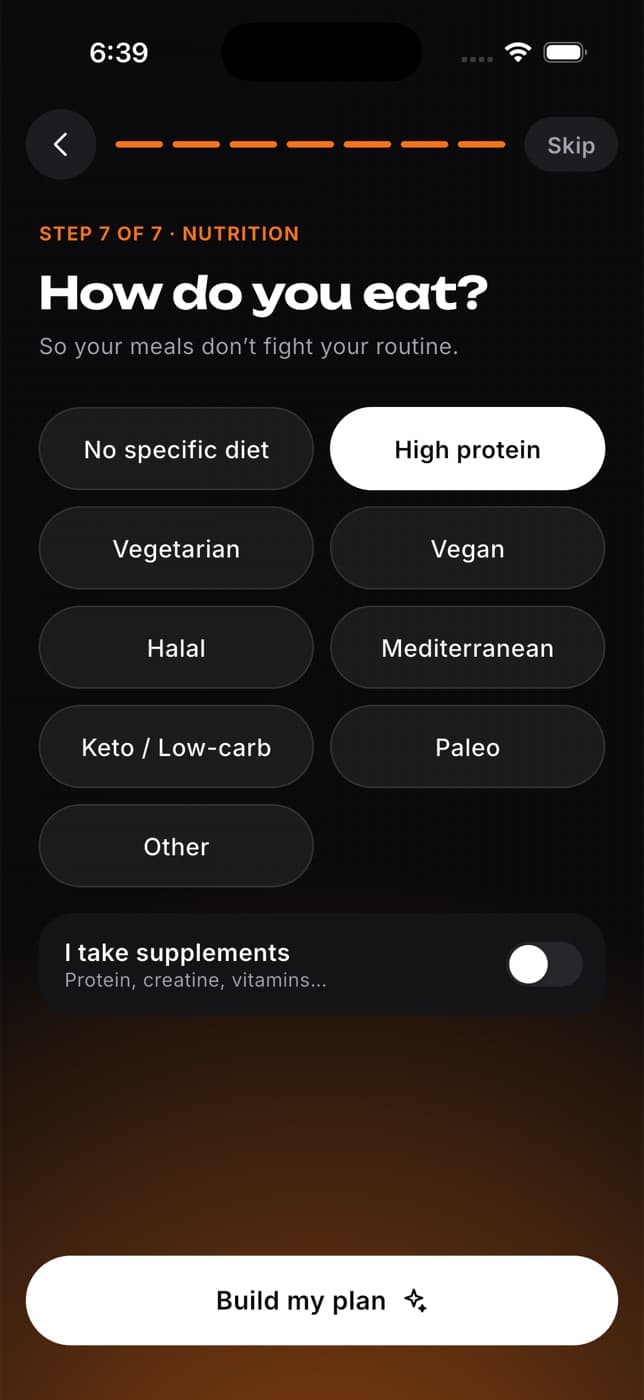
How you eat. Choose your diet style, such as High protein, Vegetarian, Vegan, Halal or Keto, and whether you take supplements. Fit+ never suggests a meal plan that breaks your diet.
Get your plan
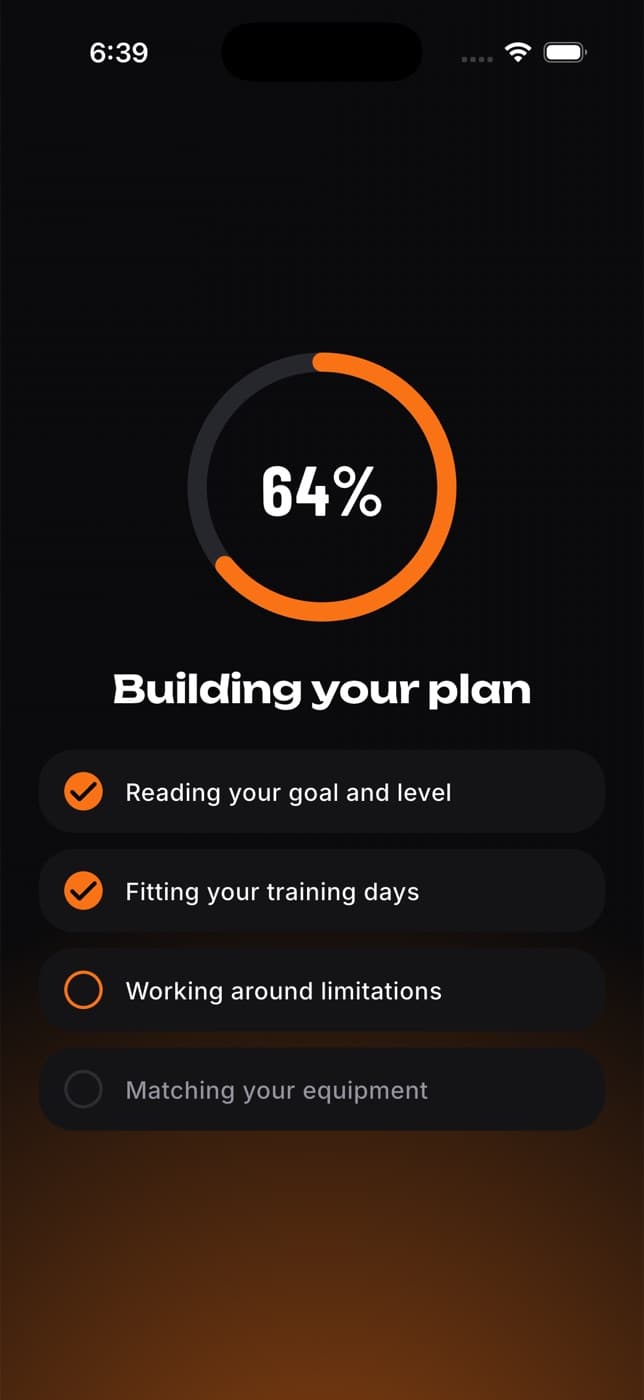
On the last question, tap Build my plan. Fit+ reads your goal and level, fits your training days, works around any injuries and checks your equipment.
Look at your plan. Fit+ shows how many weeks it lasts, how many sessions, how long each one takes and why it fits you.
Tap Start my plan. Or tap See other plans to browse the Train tab instead.
If you already have a plan
What you see at the end depends on what you're already following:
- A plan you chose yourself, and a better match exists: Fit+ offers to switch. You can switch or keep your current plan. Your workout history stays either way.
- Your current plan still fits: Fit+ tells you and keeps it.
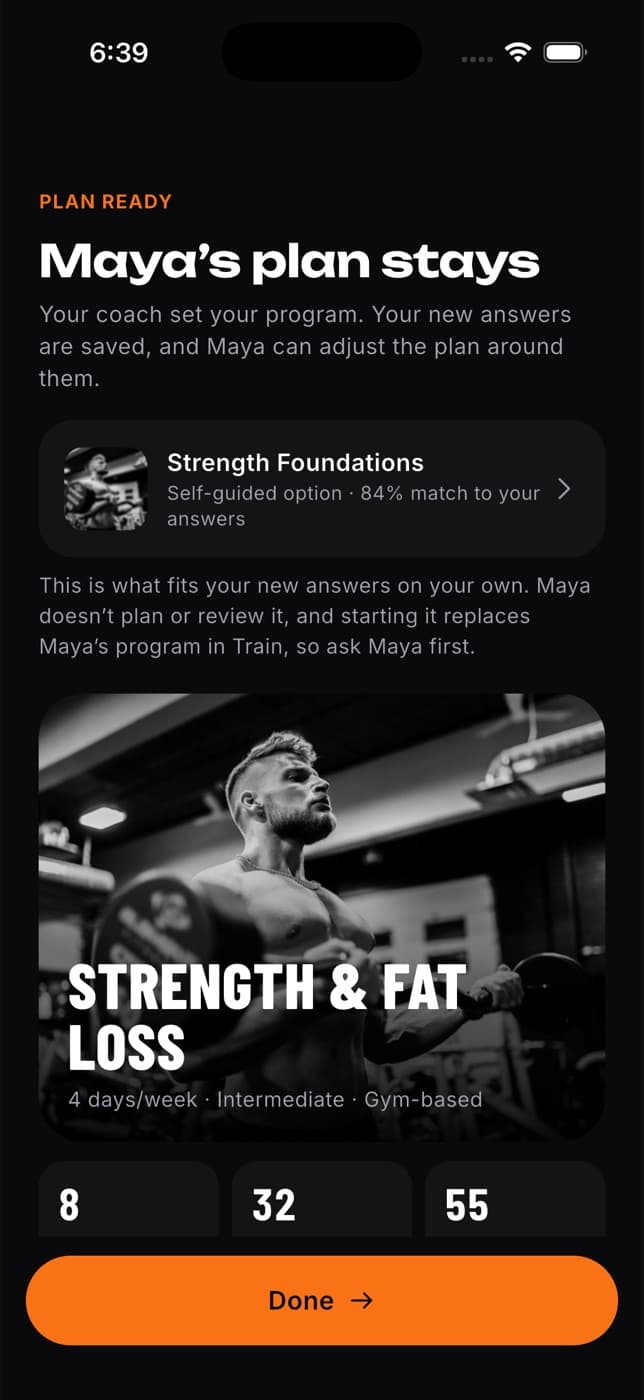
- A plan from your coach: your coach's plan always stays. Your new answers are saved, so your coach can adjust the plan around them. Fit+ may show a plan you could follow on your own, but starting it replaces your coach's program, so ask them first.
- Nothing fits right now: tap Go to home and browse plans on Train whenever you're ready.
Change your answers later
Your goals change, and so can your plan.
Tap Me.
On the Current focus card, tap Adjust.
Go through the questions again. Your previous answers are already filled in, so change only what's different.
At the end, Fit+ tells you whether your plan still fits or offers a closer match.
To leave without changing anything, tap back on the first question.
Common questions
On Home, look for Get started and tap Finish your assessment. You can also use Me, Current focus, Adjust.
You, and the coaches and nutritionists you work with. They see your injuries, notes and diet so they can plan around them. Your workouts, health readings and meals are only shared if you choose to share them.
No. A plan from your coach is never replaced without you choosing to. Your coach sees your new answers and can adjust the plan.
No. Your old plan moves to your past plans and every workout you logged stays in your history.
Verify your email and reset your password
Confirm a new account with the link in your email, get a new email, reset a forgotten password and change your password.
Your Home screen
Start today's workout, see your week, do a morning check-in, understand your readiness score and reach your support team from Home.