

Build templates
Save workouts, blocks, meals and whole programs or nutrition plans once, and reuse them for any client.
Templates are pieces of work you save once and reuse for any client: a whole program or nutrition plan, a single workout, a block of exercises, or a meal. A template names no client, and using one always makes a copy, so you can adjust it for each person.
Kinds of template
| Template | Who uses it | Use it to |
|---|---|---|
| Program | Coaches | Assign the same training program to several clients |
| Nutrition plan | Nutritionists | Assign the same nutrition plan to several clients |
| Workout | Coaches | Drop a whole workout onto a day in a client's program |
| Block | Coaches | Add a set of exercises, like a warm-up or superset, to a workout |
| Meal | Nutritionists | Drop a meal into a slot in a client's plan |
You only see the kinds of template for what you were verified for.
Your template library
Select Templates in the sidebar.
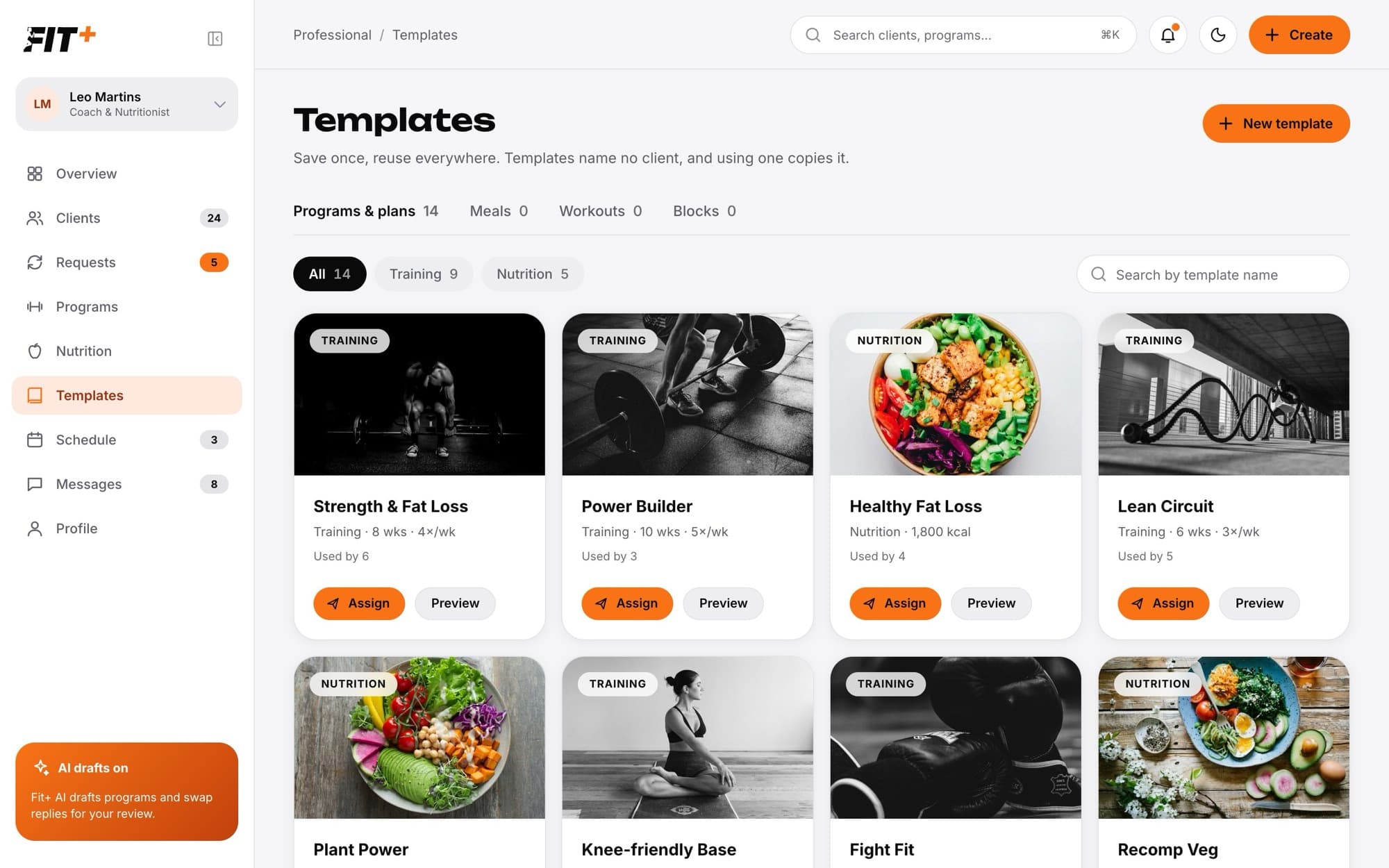
- Programs & plans lists your program and nutrition plan templates. If you only coach it is called Programs, and if you only do nutrition it is called Plans. Filter by Training or Nutrition, or search by name. Each card shows Used by with the number of clients whose current plan came from it.
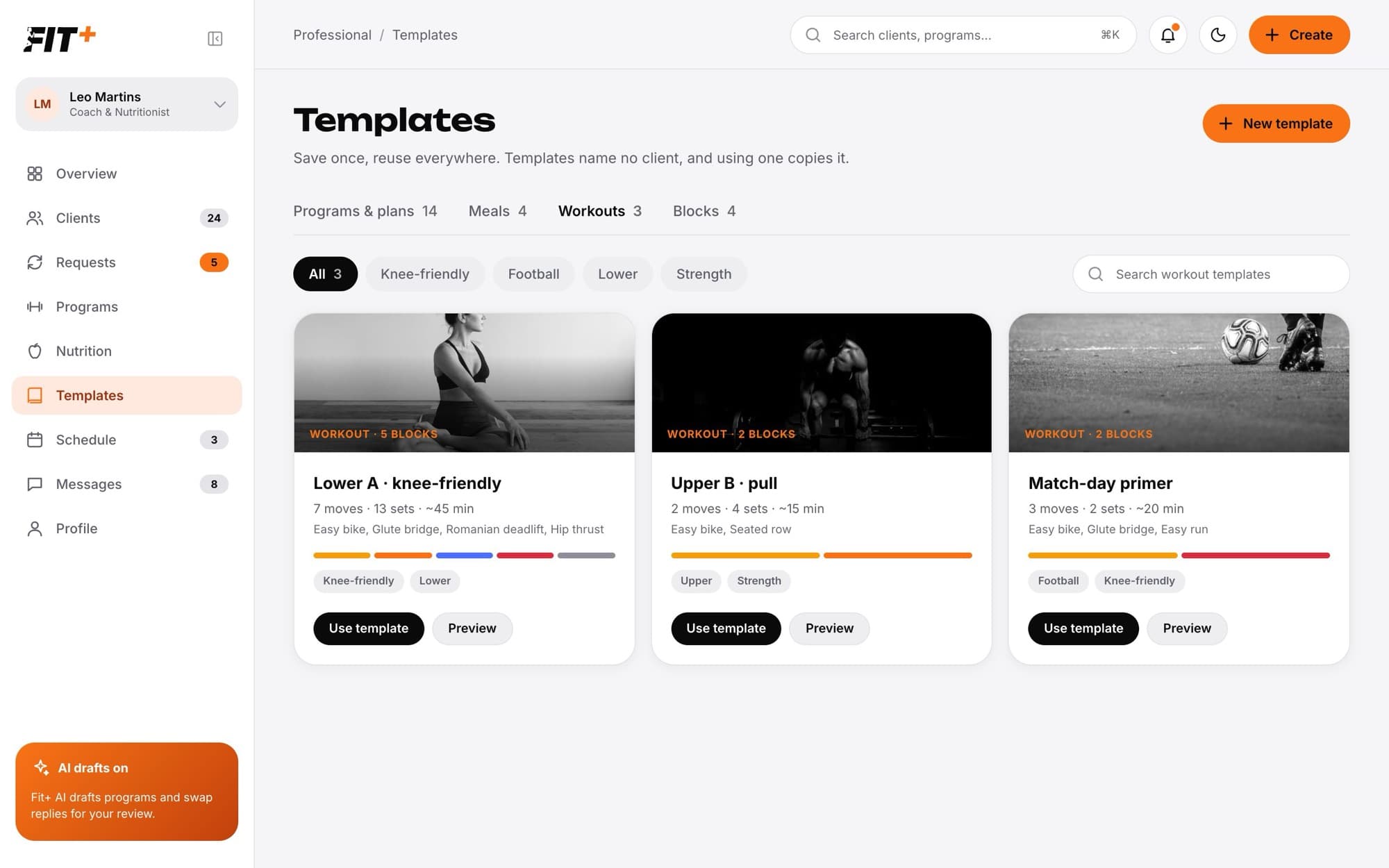
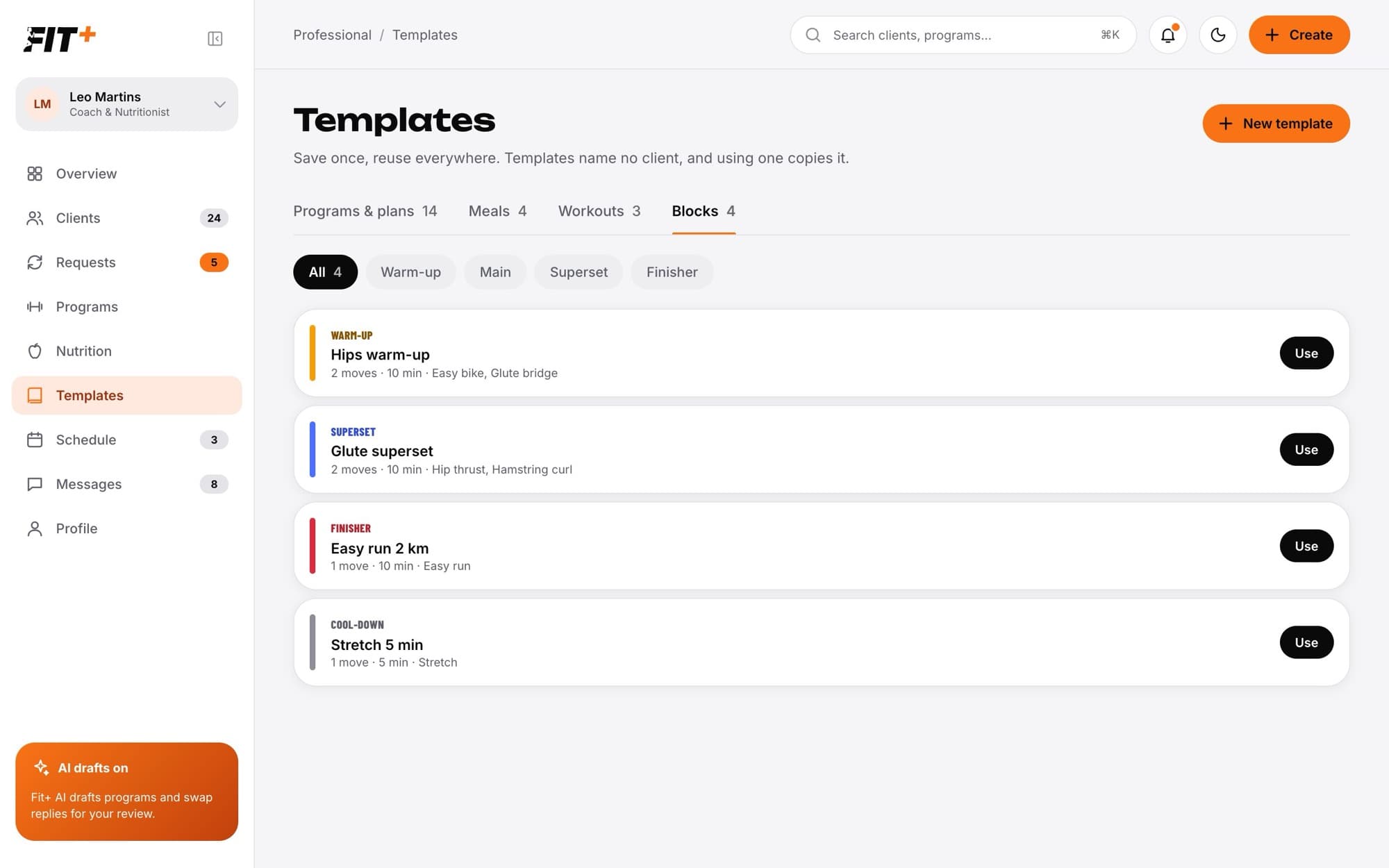
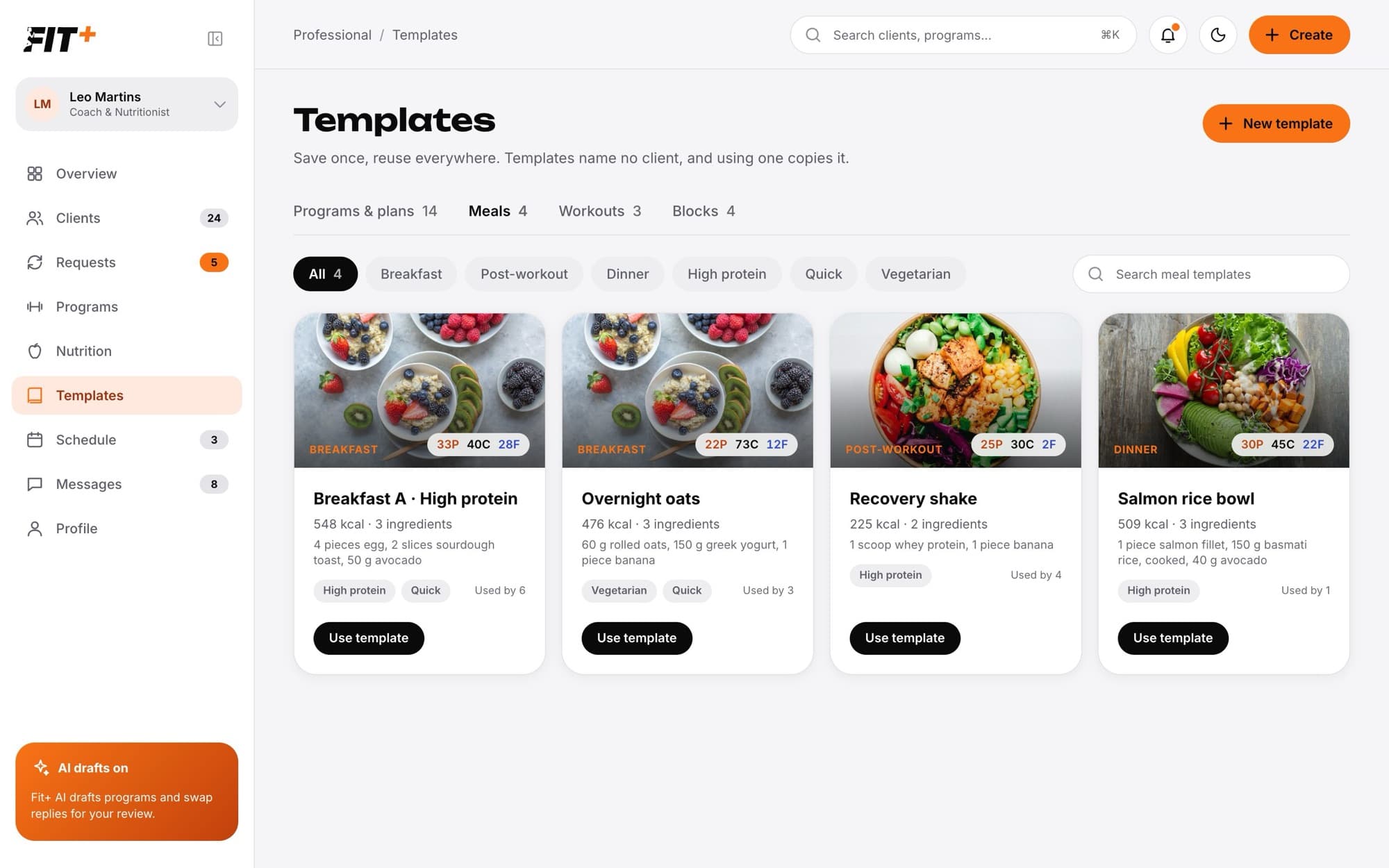
- Meals, Workouts and Blocks list your smaller templates, with their tags.
Create a template
Select New template and pick what to create: Meal template, Workout template, Block template, Program template or Nutrition plan template. You can also save something you already built:
- Save as template in the program or nutrition plan builder saves the whole plan without the client.
- Save as template on a day in the program builder saves that workout.
- Save block as template in a block's menu saves just that block.
Build a program or nutrition plan template
A program or nutrition plan template uses the same builder as a client's plan. The difference is that it isn't linked to a client, which the header shows.
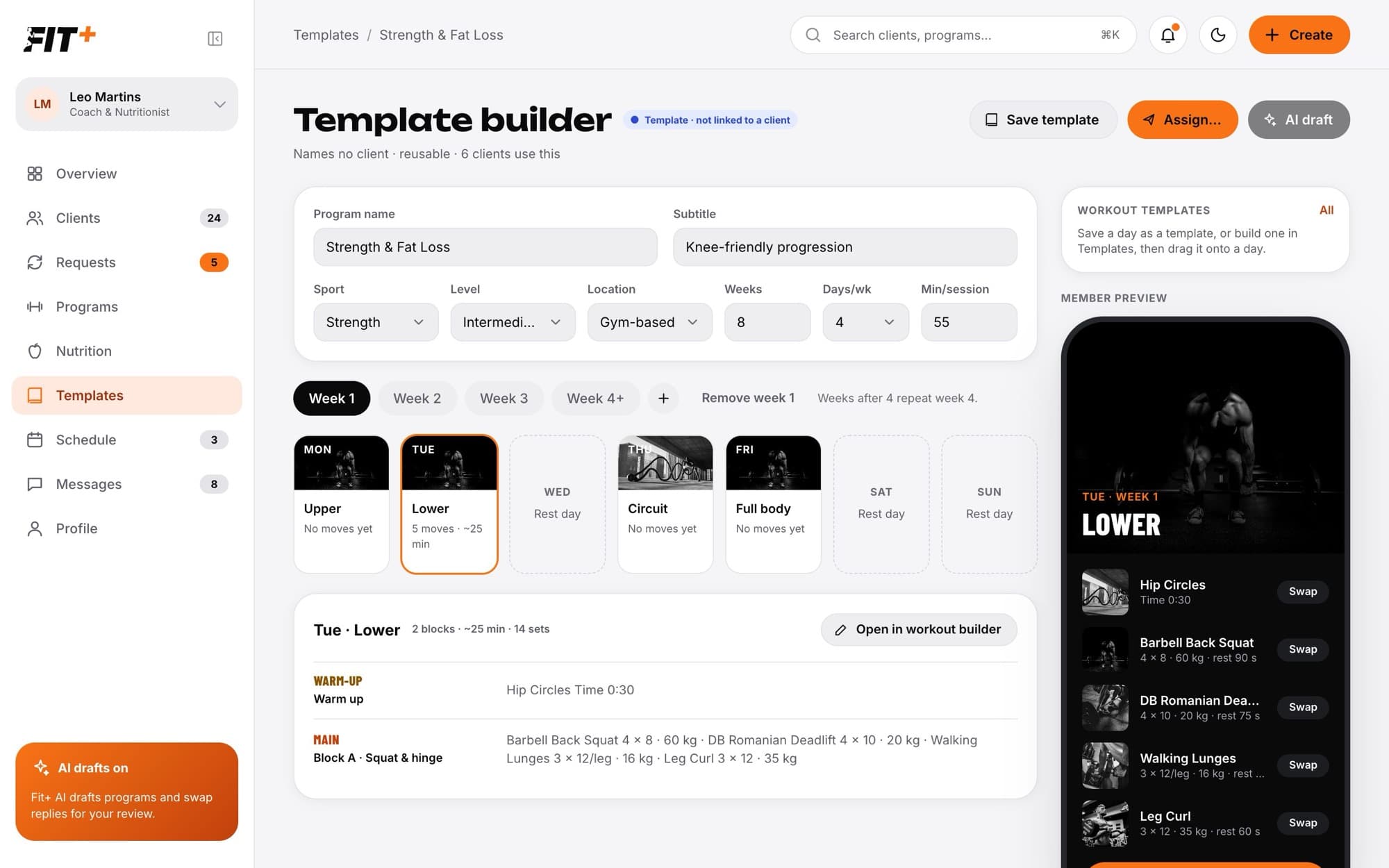
Build it the same way as a program or plan, then select Save template. See Build a training program and Write a nutrition plan.
Build a workout or block template
Select New template, then Workout template or Block template.
Give it a name with the pencil next to the title.
Add blocks and exercises, and set each exercise's sets, reps, load and rest, just like in the program builder. A block template has one block.
Add progression where you want it. Use the week chips (W1 to W4) to see how each week changes.
Add tags at the bottom so you can filter your templates later, for example Knee-friendly or Lower.
Select Save template.
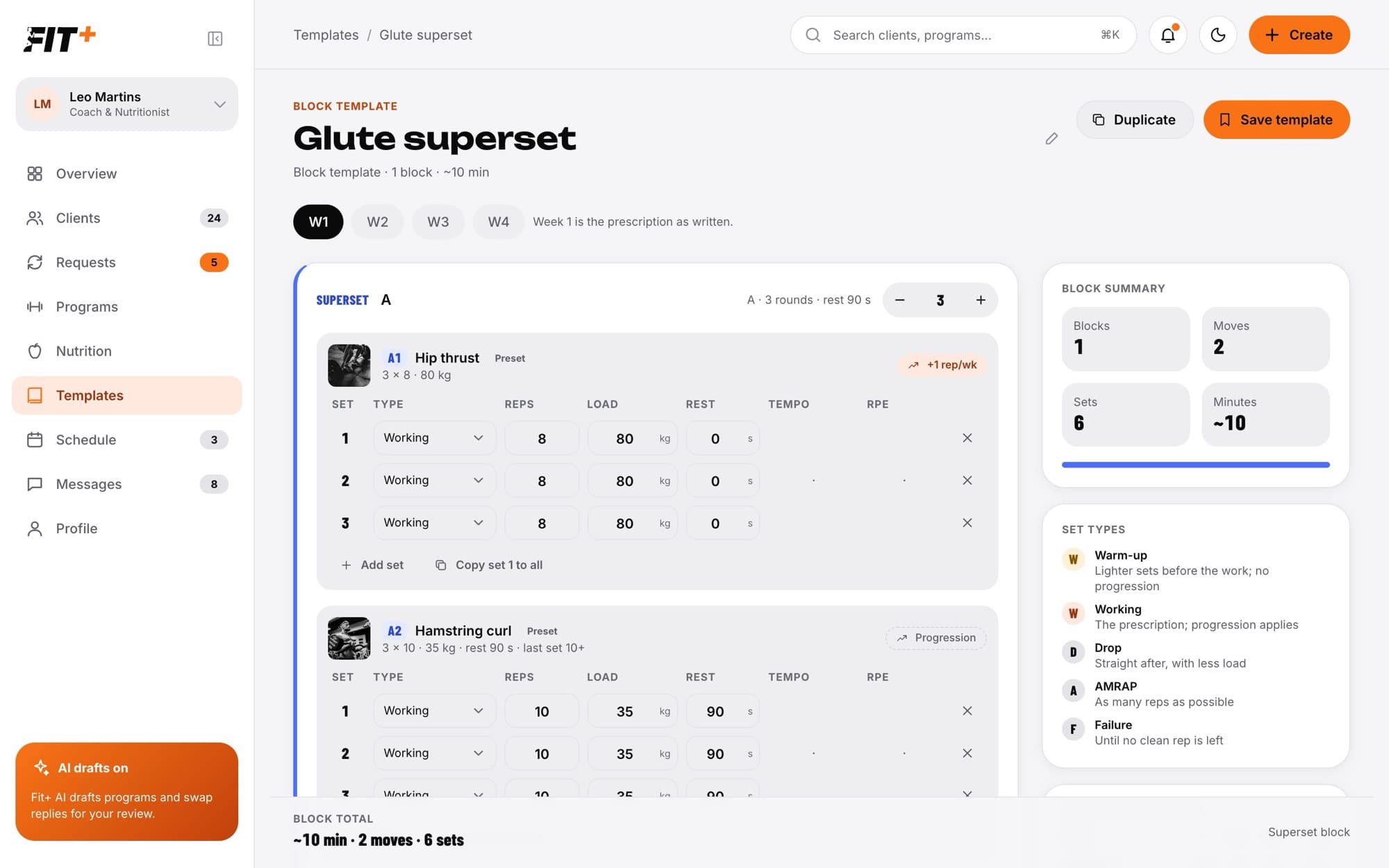
The summary on the right shows the number of blocks, exercises, sets and minutes. Duplicate makes a copy you can change.
Build a meal template
Select New template, then Meal template.
Give the meal a name and choose its slot: Breakfast, Snack, Lunch, Pre-workout, Post-workout or Dinner.
Select Add ingredient and pick a food from My foods, Recents or Favourites. If a food isn't there yet, select Create food.
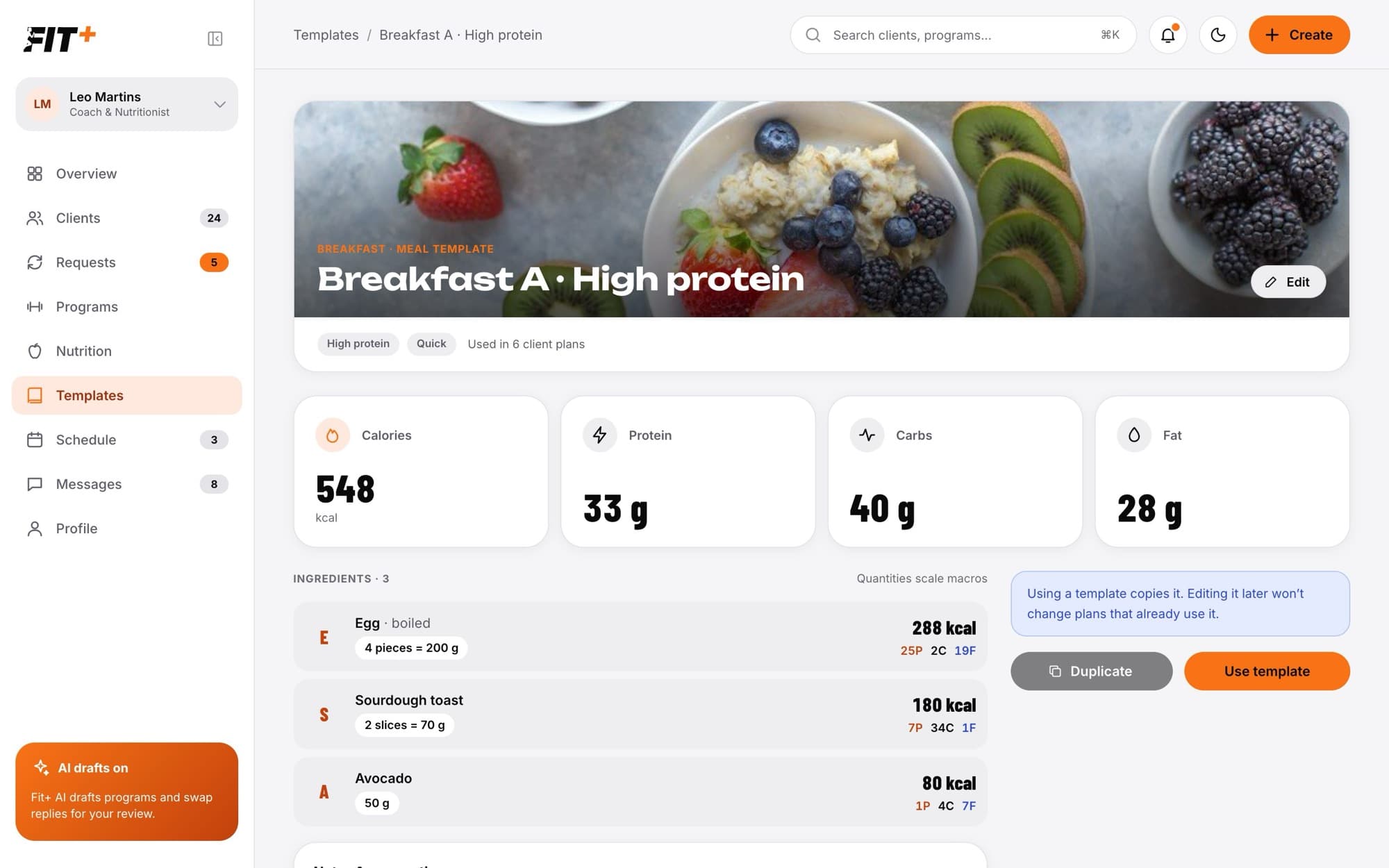
Set the quantity. The meal's calories and macros update as you go.
Choose tags, such as High protein, Vegetarian, Quick, Low carb, Vegan or Pre-workout, and add Notes & preparation.
Select Save template.
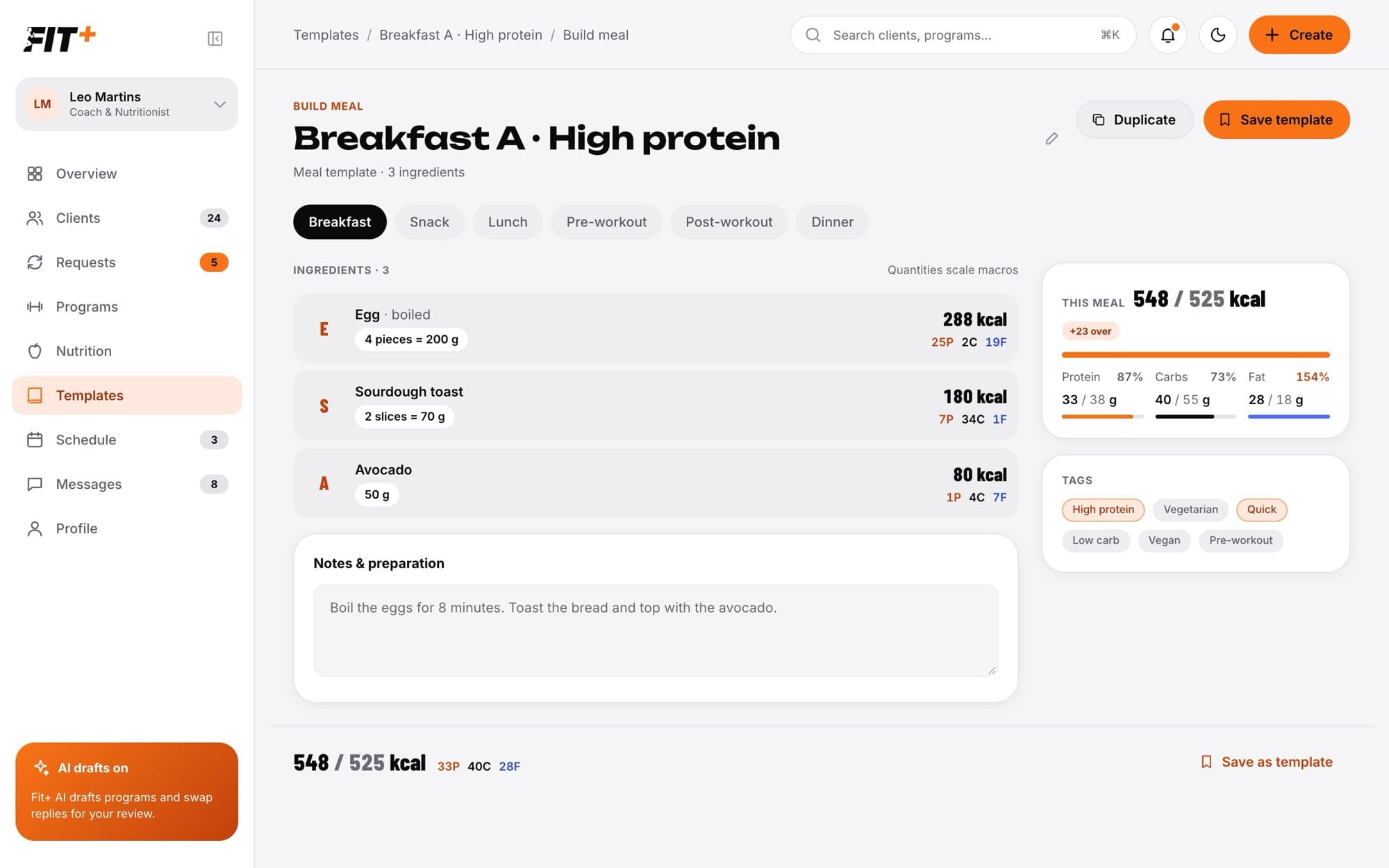
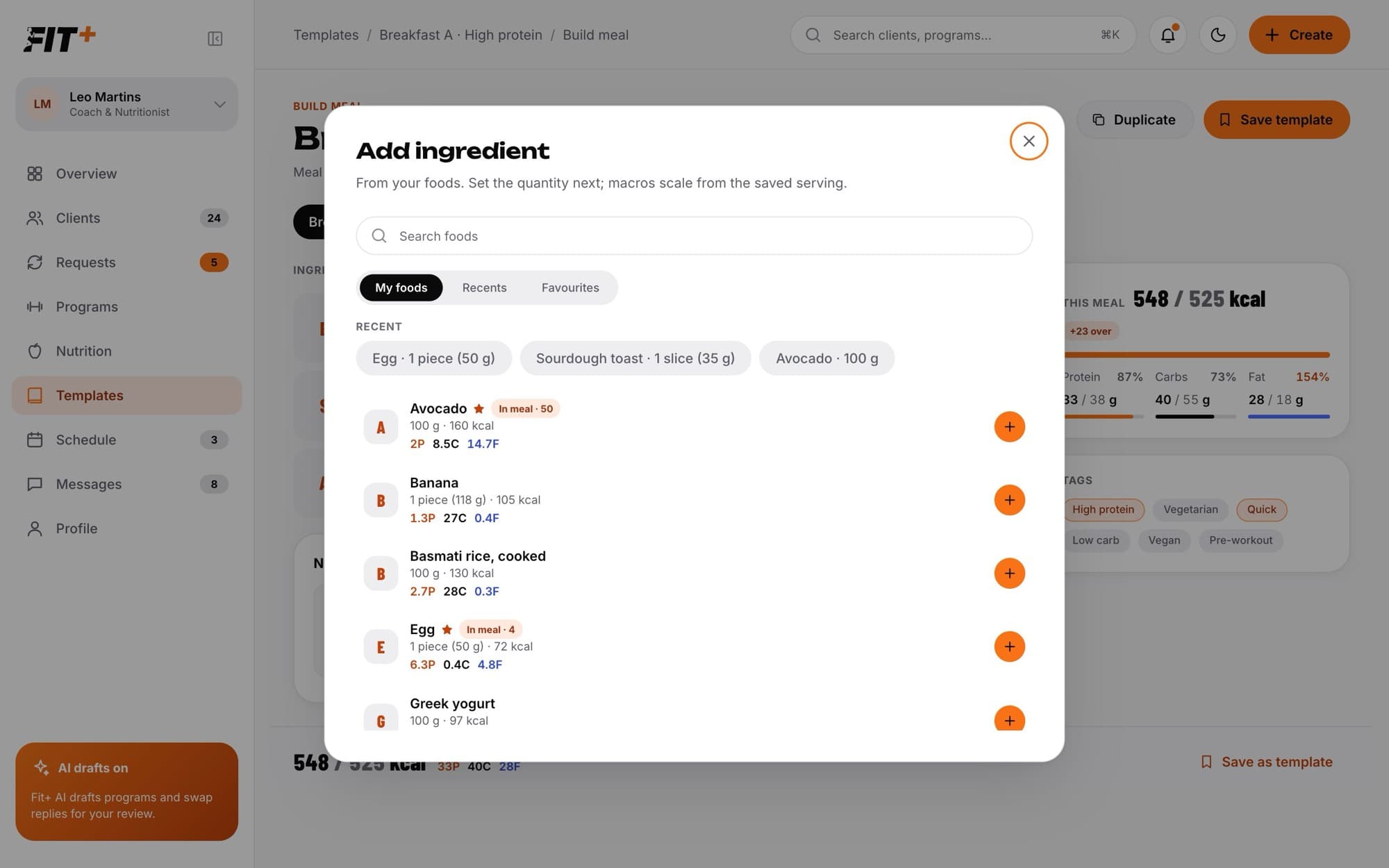
A saved meal template shows its photo, slot, tags, how many client plans use it, its totals, ingredients and notes. From there you can Edit, Duplicate or Use template.
What happens next
Put your templates to work. See Use and assign a template.
No. Using a template always makes a copy. Editing the template later never changes plans that already use it.
No. Your templates are private to you.
Not yet. You can rename it or change it at any time.