

Who Fit+ is for
The different people who use Fit+, what each of them does and where they use it.
Fit+ is built for everyone involved in someone's fitness: the person training, the coaches and nutritionists who help them, the gym where they train and the Fit+ team behind it all. This page helps you find your place and the part of this guide that's written for you.
Everyone starts as a member
Every Fit+ account is a member account first. Even if you coach, run a gym or work on the Fit+ team, you can still use Fit+ for your own training, and your own data stays separate from anyone else's.
Some people have more than one role. A gym owner might also coach, and a coach might also give nutrition advice. You use one account for all of it and switch between your spaces when you need to.
Members
You train, eat, track your health and work with the people who support you.
Where: mostly in the Fit+ app on your phone, with your Apple Watch during workouts. You can also use the Fit+ website on a computer.
What you can do:
- Follow a training program, or build your own routines, and log your workouts.
- Log meals and follow a nutrition plan.
- See your steps, sleep and heart data from Apple Health, Health Connect or WHOOP.
- Follow your progress, with private progress photos that only you can see.
- Bring your history from another app, and export a copy of your data at any time.
- Find a coach or nutritionist, book sessions and message them.
- Link your gym and check in with your pass.
- Chat with the Fit+ AI coach about your own training and food.
- Choose exactly who can see your data.
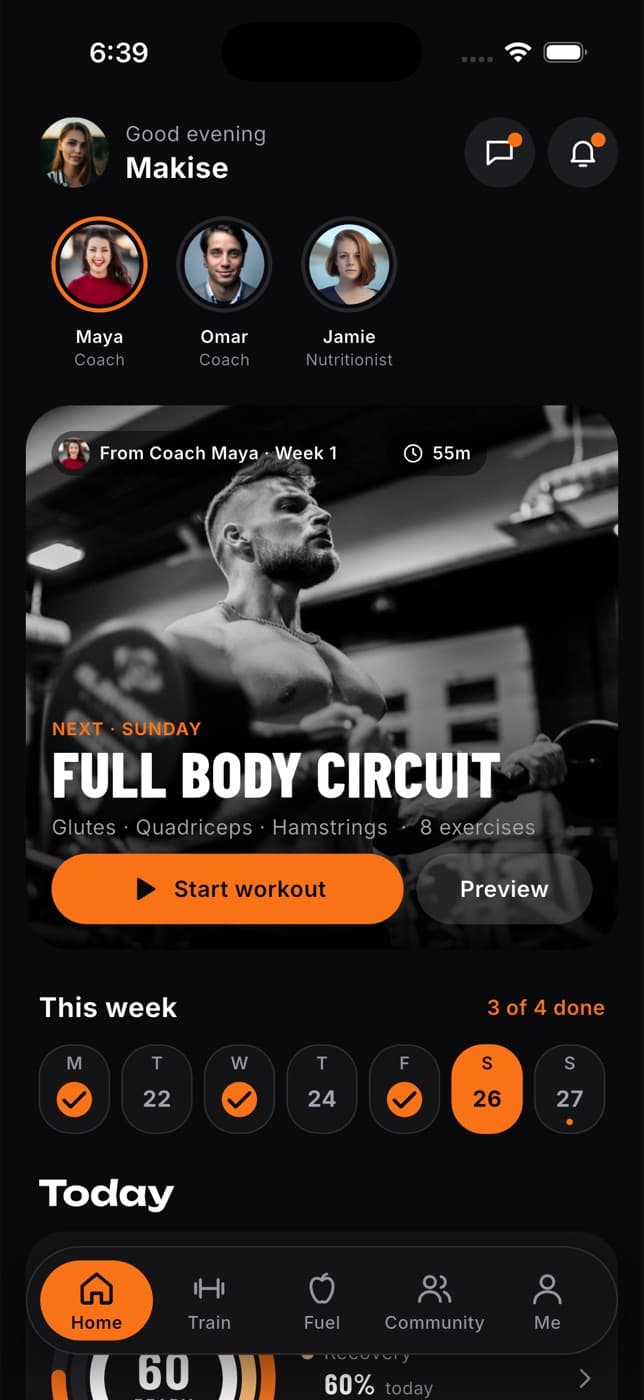
Start here: Fit+ app or Fit+ on the web.
Apple Watch
The Fit+ watch app goes with your iPhone. Start a workout on your wrist, log each set, rest between sets and see your heart rate, then your workout is saved back to your phone.
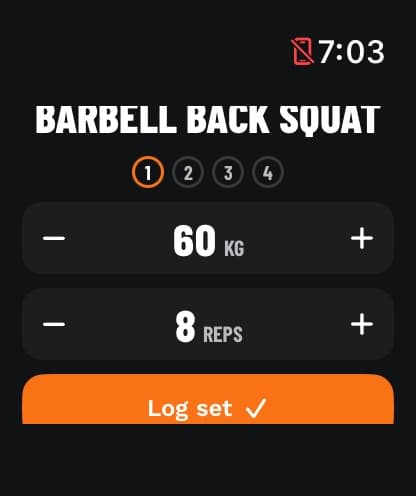
Start here: Apple Watch.
Coaches and nutritionists
You help members train and eat well. You build programs and meal plans, share them with your clients, follow their progress and answer their requests.
Where: mostly on the Fit+ website on a computer. You can also use the Fit+ app on your phone when you're on the go.
How you join: apply in the Fit+ app. The Fit+ team checks your details, and once you're approved you set up your profile and start taking clients. Your gym can also invite you to its team, or create your account for you.
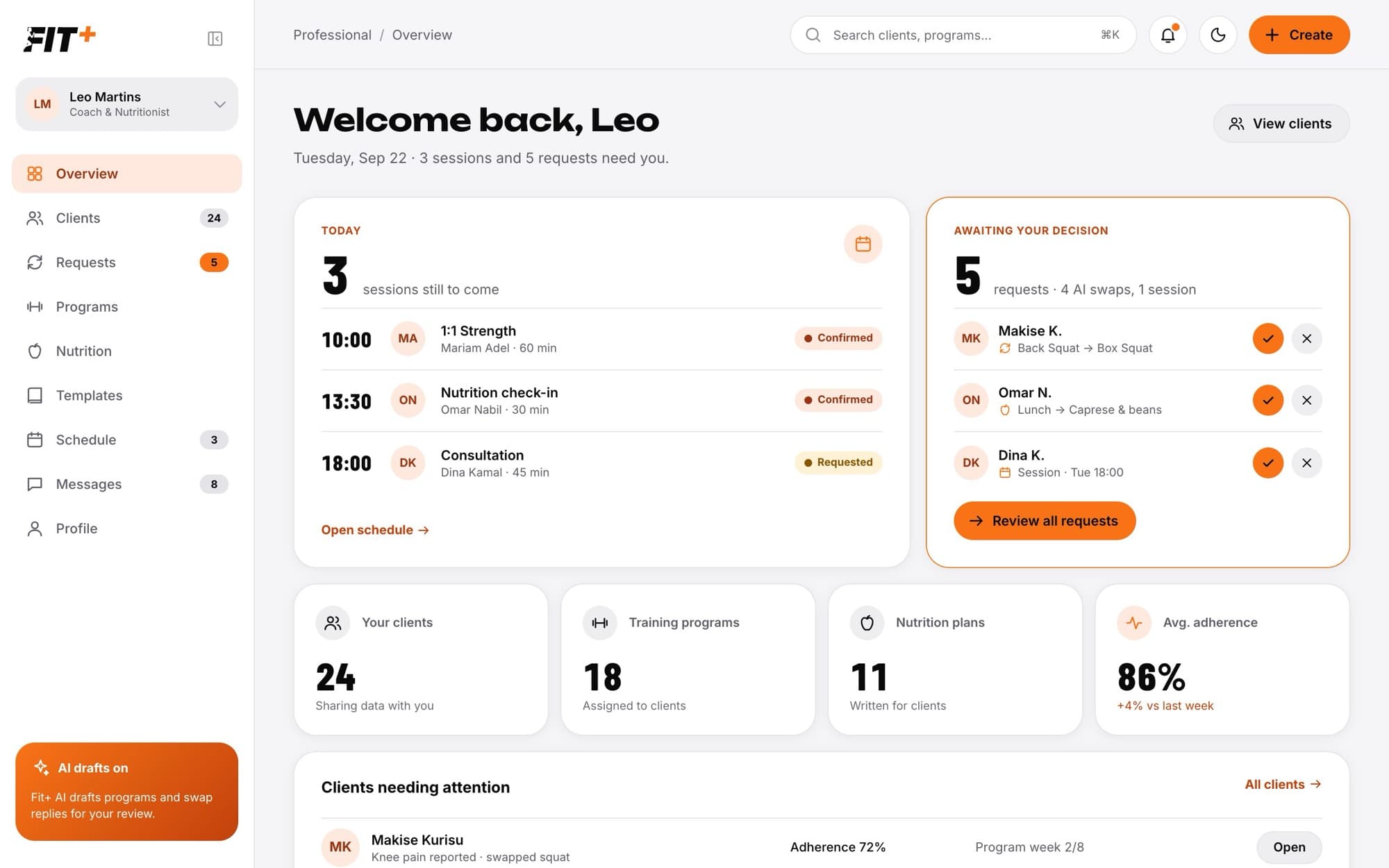
You only see the parts of a client's data that they choose to share with you. Being their coach doesn't give you access on its own.
Start here: For coaches and nutritionists.
Gym owners and staff
You run a gym, studio, club or academy. You welcome members, check them in, schedule classes, manage plans and payments and look after your team.
Where: on the Fit+ website on a computer.
How you join: the Fit+ team sets up your gym and invites you as its owner. Once your gym is approved, you can invite your staff and coaches. Each staff member only sees the parts of the gym you allow, so front desk staff don't see payments unless you let them.
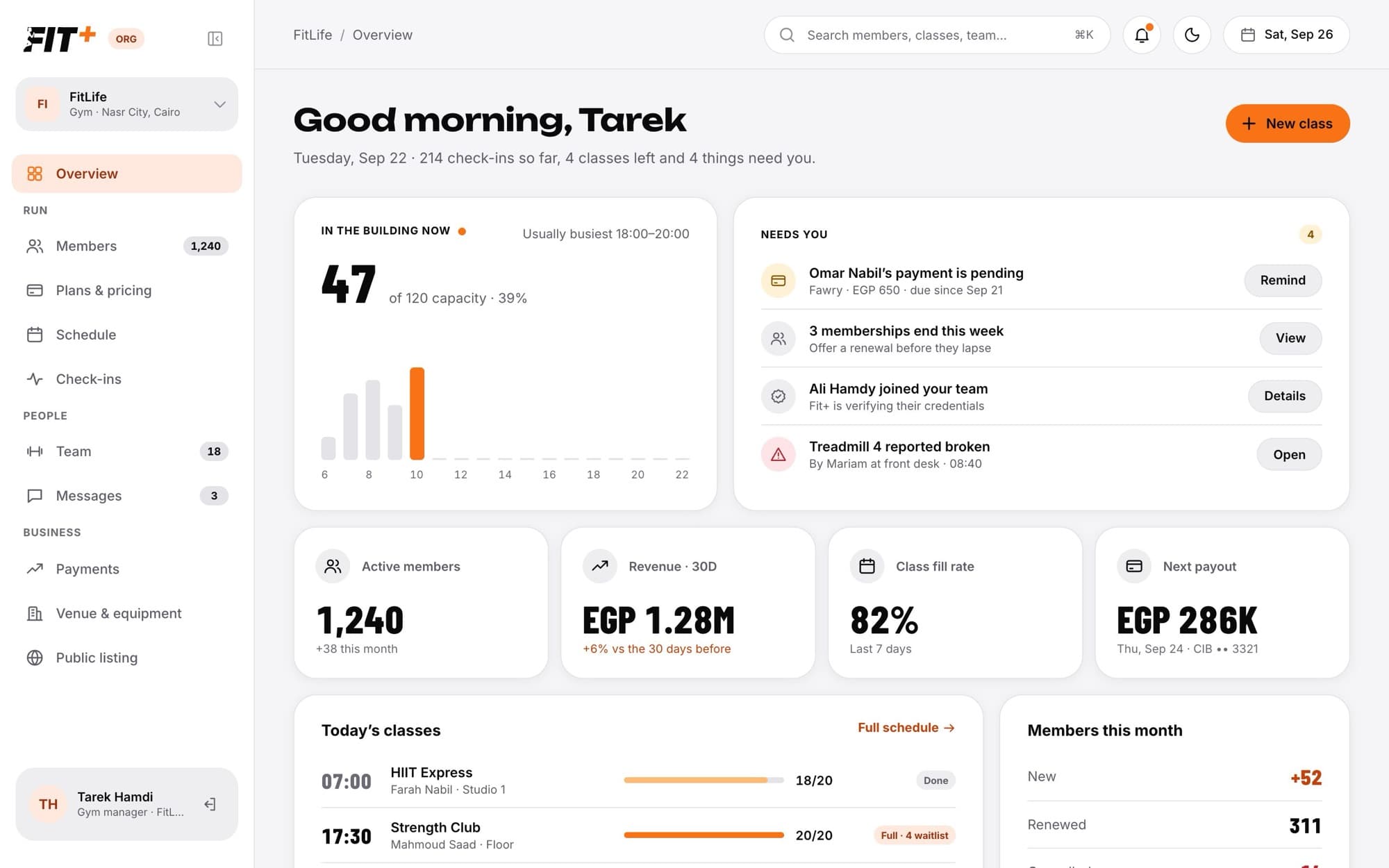
Running a gym doesn't give you access to your members' health data. Members can choose to share with your coaches, but that's always their decision.
Start here: For gyms.
The Fit+ team
You keep Fit+ running: approving gyms and professionals, helping people, looking after the exercise library and following payments.
Where: on the Fit+ website on a computer.
How you join: another member of the Fit+ team invites you. You'll set up two-step verification the first time you sign in.
The Fit+ team can't see anyone's health data.
Start here: For the Fit+ team.
Common questions
Yes. You keep your own member space for your training, and you switch to your coach space to work with clients. Your own data and your clients' data are always kept apart.
No. Members can do almost everything in the app. The website is handy when you're at a computer. Coaches, nutritionists and gyms get the most out of the website, and coaches can use the app on the go.
If you have more than one role, the website opens the space you're most likely to need, for example your gym if you run one. Use the switcher at the top of the sidebar to move to another space, including your own member space.