

Fit+ app
Welcome to the Fit+ phone app: what you can do, how the five tabs work, and where to find help for every part of the app.
Welcome to Fit+. The app puts your training plan, your meals, your health and your coaching team in one place, on your phone. This guide walks you through everything you can do, one task at a time.
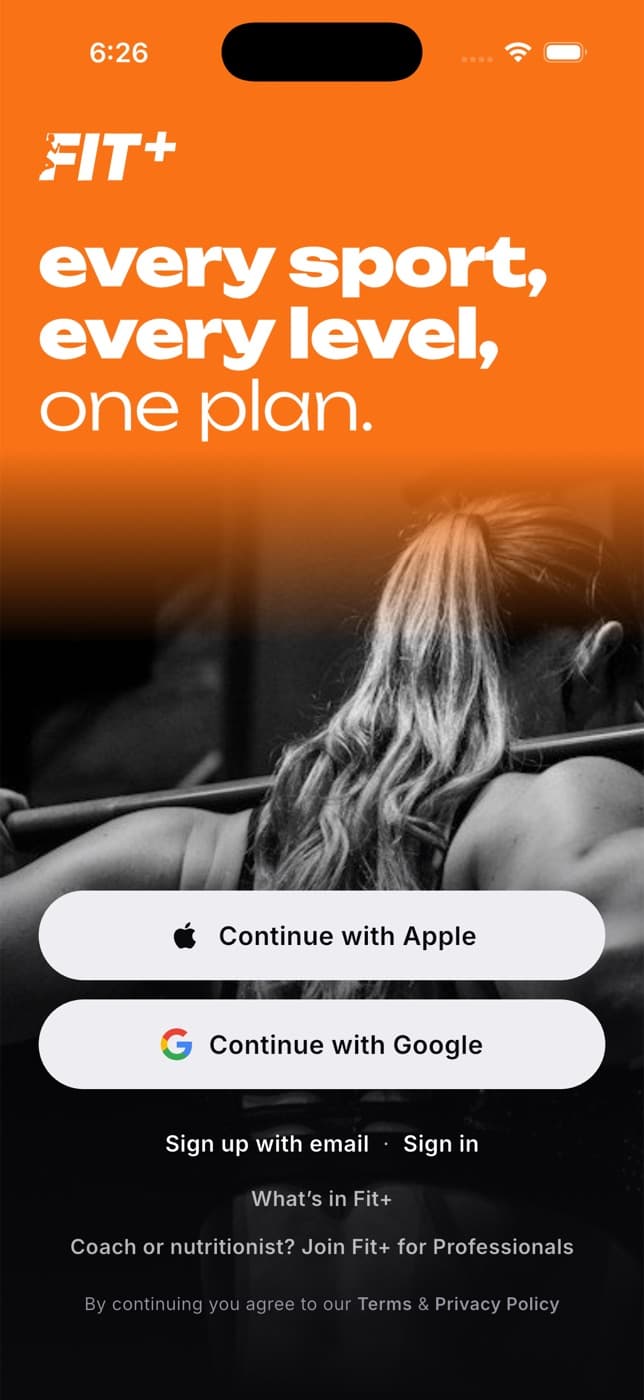
New to Fit+?
- Create your account with Apple, Google or your email.
- Answer seven quick questions so Fit+ can suggest a plan that fits you.
- Start your first workout from Home.
It takes about three minutes, and you can change your answers at any time.
The five tabs
The tab bar at the bottom of the screen takes you to the five main parts of the app. Each tab remembers where you were, so you can jump between them without losing your place.
| Tab | What it's for |
|---|---|
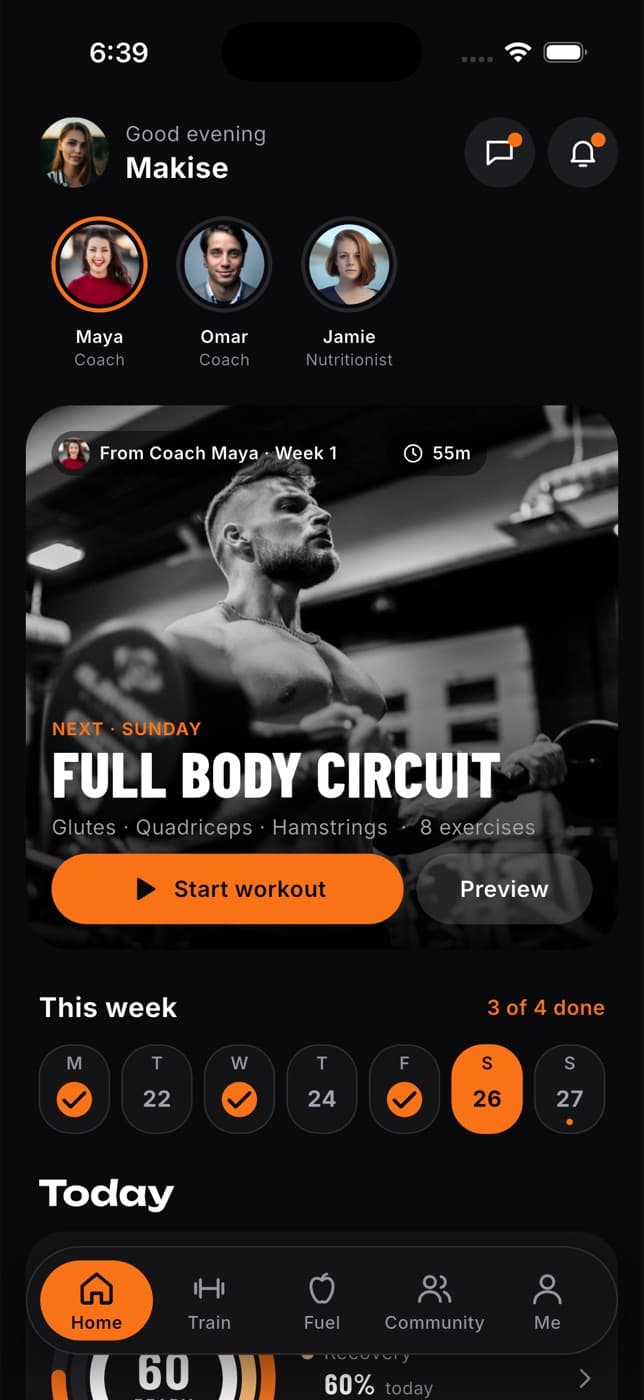
| Home | Your day at a glance: today's workout, your week, your readiness score, how much you've eaten and the people on your team. |
| Train | Your training plan, your own routines, workouts to search and start, the workout player, your history and the exercise library. |
| Fuel | Your calories, macros and water for the day, your meal plan and quick ways to log what you eat. |
| Community | Posts from people you train with, your groups and clubs, leaderboards and articles to learn from. |
| Me | Your profile, gym membership, devices, sessions, achievements and progress, health, data sharing and settings. |
While a workout is running, the tab bar slides out of the way so the workout fills the screen. It comes back when you finish.
Get started
Create your account and sign in
Sign up with Apple, Google or email, sign in and log out.
Confirm your email and reset your password
Confirm your email with the link we send and get back in if you forget your password.
Set up your plan
Answer seven questions and get a plan that fits you.
Every day
Your Home screen
Today's workout, your week, the morning check-in and your readiness.
Home screen widgets
See your next workout, today's food and your health without opening the app.
Training
Follow your plan, find workouts and log every set.
Nutrition
Log meals, follow your meal plan and track your macros.
Health and devices
Connect your watch, health app or WHOOP, and follow your sleep and trends.
Progress
Your training calendar, progress charts, weekly report, measurements and private progress photos.
Coaching
Find a coach or nutritionist, book sessions and follow their plans.
Messages and community
Chat with your team, post, join groups and earn badges.
AI assistant
Ask the Fit+ AI Coach for help with training and food.
Apple Watch
Follow and control your workout from your wrist.
Your account
Your profile and settings
Edit your profile, change the look of the app, manage privacy and get help.
Choose your units
Kilograms or pounds, kilometres or miles, calories or kilojoules, and more.
Choose who can see your data
Share with your coach, nutritionist or gym, and stop at any time.
Import and export your data
Bring your history from another app, or take a copy of your data with you.
Join a gym, club or team
Join with a code, buy a pass and check in with your phone.
Manage notifications
Pick which alerts you get and set quiet hours.
Workout and meal reminders
Get a nudge on your training days and at your meal times.
Using Fit+ without a connection
What still works offline and how your workouts are kept safe.