

Health and devices
Bring in your health data from Apple Health, Health Connect or WHOOP, check your readiness and sleep, and add readings of your own.
Fit+ brings your sleep, heart rate, steps and other health data together in one place. It turns them into a daily readiness score so you know how hard to train, and a sleep score with a bedtime that fits your day. Your health data is private: nobody else sees it unless you choose to share it.
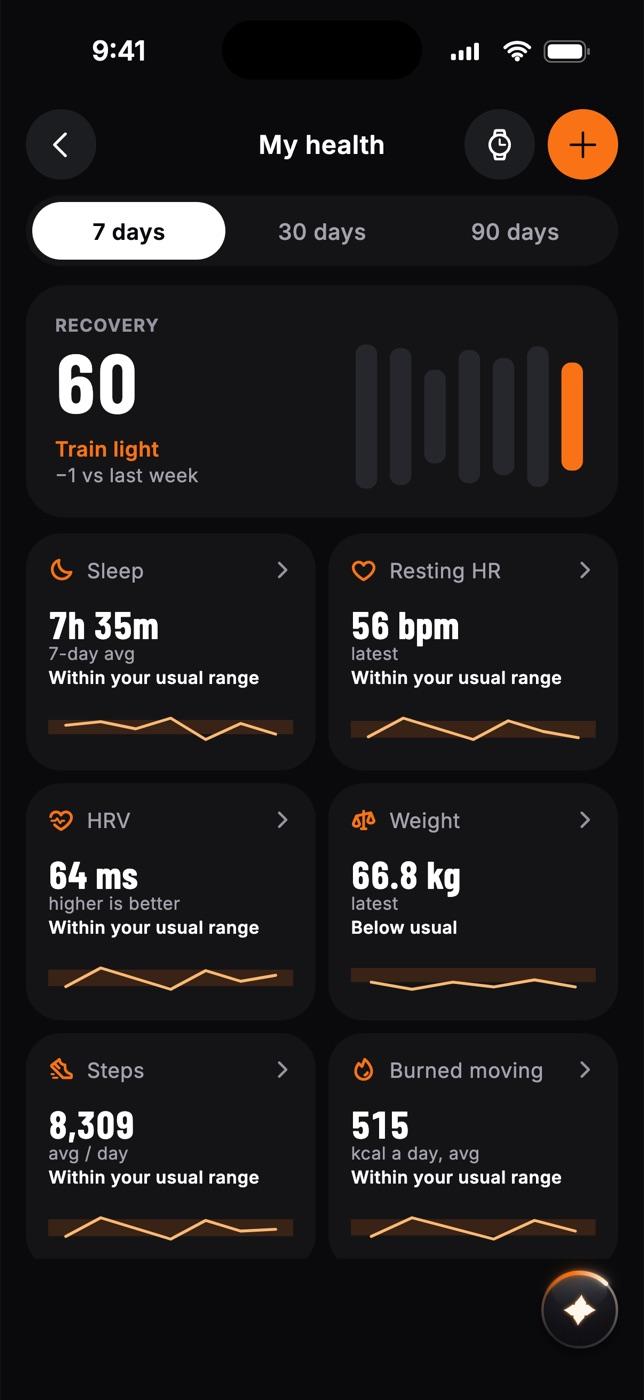
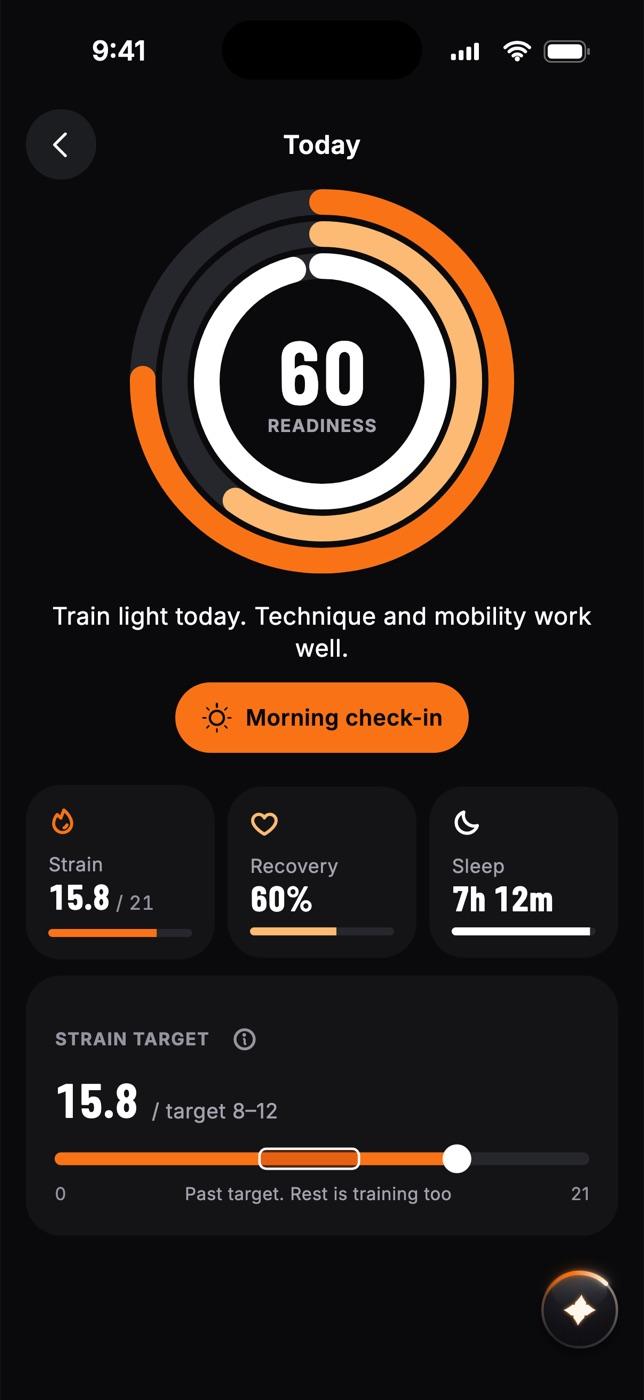
What you can do
- Connect Apple Health (iPhone) or Health Connect (Android) so Fit+ can import your data.
- Connect WHOOP to bring in its recovery, strain and sleep.
- See your readiness score and advice for today.
- See how ready each muscle is on a front and back body map, and tell Fit+ how your muscles feel.
- See last night's sleep score, how much sleep you need tonight, your sleep debt and a suggested bedtime.
- Follow your sleep, heart rate, HRV, weight, steps and more over 7, 30 or 90 days.
- Add a reading yourself, such as your weight or blood pressure.
- Do a quick morning check-in to fine-tune your readiness.
To get there, tap Me, then My health, or tap the Progress card at the top of Me, then the My health tile. Your readiness also shows on Home, and you can add a Health today widget to your phone's home screen. See Home screen widgets.
Start here
Connect Apple Health or Health Connect
Give Fit+ access to your health data and keep it up to date.
Connect WHOOP
Link your WHOOP account, sync it and disconnect it.
Check your readiness
Your daily score, what it means and the morning check-in.
Read your muscle status
Your body map, what each color means and the body check-in.
Understand your sleep
Sleep score, sleep needed, sleep debt and bedtime.
See your health metrics
Heart rate, HRV, weight, steps, training load and heart-rate zones over time.
Add a health reading
Record your weight, blood pressure, resting heart rate or body fat.
Looking for your body measurements, progress photos or training progress? See Track your progress.
Coaches, nutritionists and gyms only see the health data you choose to share with them. Manage this in Me, then Who can see my data. Your progress photos stay private unless you share them with one coach or nutritionist on their own.