

Welcome to Fit+
What Fit+ is, what you can do with it and where to start.
Fit+ brings your training, food, health and the people who help you into one place. This guide shows you how to use it, step by step, whether you train, coach, run a gym or work on the Fit+ team.
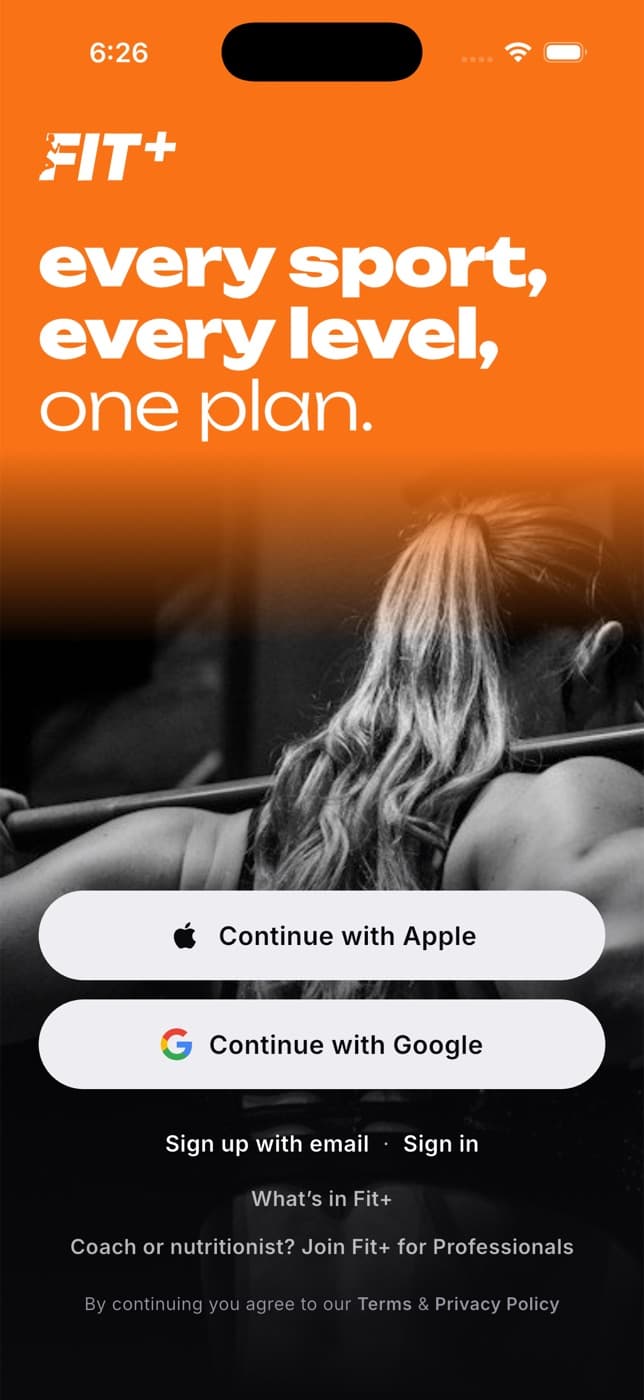
What you can do with Fit+
- Train with a plan. Follow a program made for you, one your coach assigns or a routine you build yourself, and log every set as you go. Your Apple Watch can come along too.
- Eat with a purpose. Log meals, scan barcodes, snap a photo of your plate and follow a nutrition plan.
- See your health in one place. Bring in steps, sleep and heart data from Apple Health, Health Connect or WHOOP.
- Work with a coach or nutritionist. Find one, book a session, get a program or meal plan and chat with them.
- Belong to your gym. Link your gym with a code, show your check-in pass at the desk and see its classes and community.
- Stay in control. Your health data is private. Nobody sees it unless you choose to share it. You can export a copy of your data or delete your account at any time.
One account, everywhere
You use the same Fit+ account on your phone, your Apple Watch and the website. Something you log in the app shows up on the web, and a plan your coach writes on the web shows up in your app.
Pick your path
I train with Fit+
Use the Fit+ app on your phone and Apple Watch.
I use Fit+ on a computer
Check your training, food and messages in your browser.
I'm a coach or nutritionist
Work with clients, build programs and meal plans.
I run a gym or work at one
Manage members, check-ins, classes, plans and your team.
I'm on the Fit+ team
Approve partners, support people and keep Fit+ running.
New here? Start with these
Who Fit+ is for
The different people who use Fit+ and where they use it.
Create your account
Sign up, confirm your email and sign in.
Your privacy and sharing
How you decide who sees your data.
How it all fits together
The main journeys, from finding a coach to joining a gym.
Words you'll see
Short explanations of the terms used in Fit+.
Common questions
Sign-in trouble, devices, your data and getting help.